
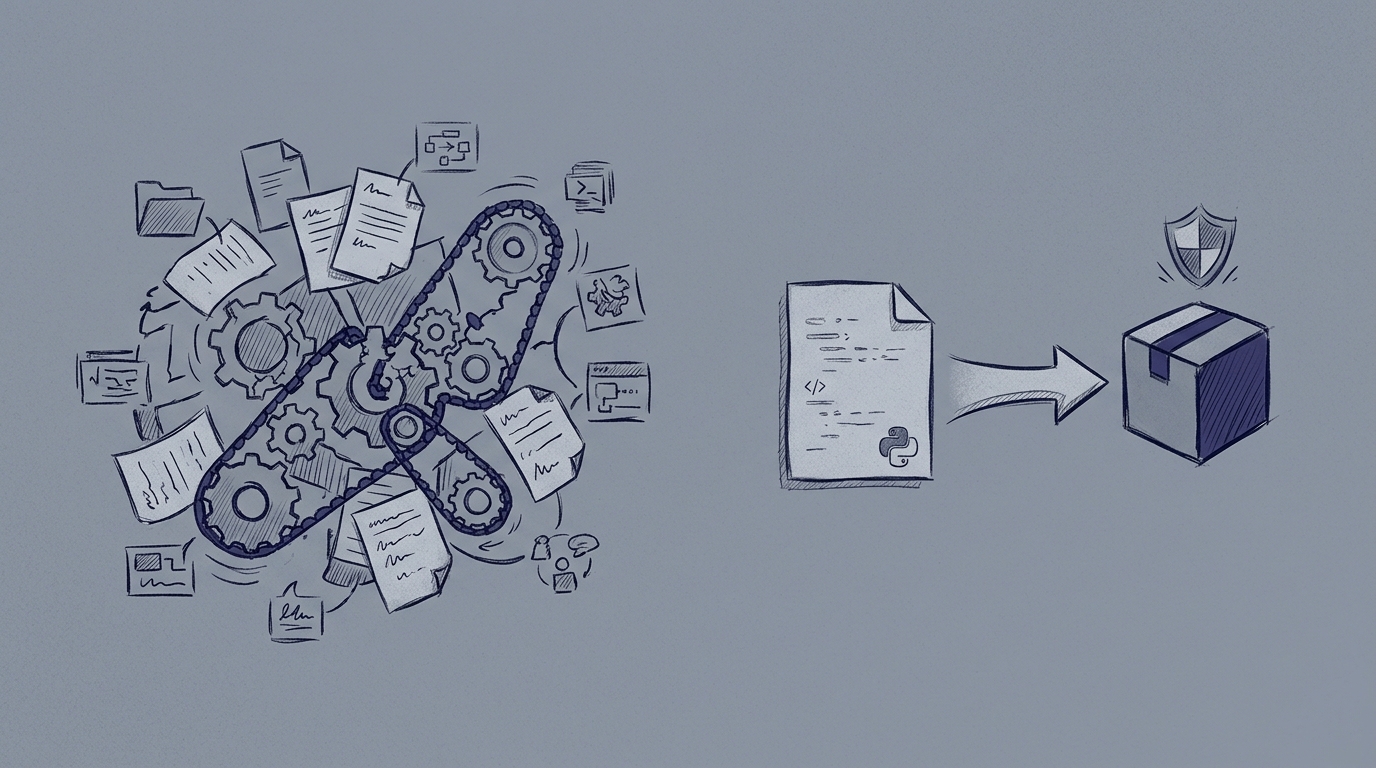
Cython Alternatives for Protecting Python Code
You’ve decided your Python source shouldn’t ship as readable .py files. You’ve heard Cython is the serious answer — it compiles Python to C, then to machine code. And then you opened the docs and found .pyx files, cythonize invocations, per-platform compiler flags, and a wall of distutils configuration.
So the real question isn’t “Cython or nothing.” It’s which Cython-based approach you adopt: raw Cython, hand-rolled build scripts around it, or a managed compiler that runs Cython for you. That’s the buying decision this article walks through — a comparison of Cython alternatives for code protection, scored on the things that actually determine whether you ship this quarter or fight your build system for a month.
One clarification before we start. “Cython alternatives” here means alternatives to using raw Cython directly — not alternatives to compiled Python as a protection strategy. Compiling to native code is the strategy. The question is how much of Cython you want to see and maintain.
The Buying Decision: What Are You Actually Choosing?
You have proprietary Python. You want a binary instead of source. You have five levers to weigh:
- Ease of adoption — do you rewrite modules in Cython syntax, or compile what you already have?
- Automation — is a release one command, or a bespoke
cythonize+ compiler + linker pipeline you own forever? - Security model — what ends up inside the artifact, and can you enforce licensing from it?
- Cost and licensing — MIT-open vs. commercial plugins vs. engineering hours.
- Integration — do your third-party dependencies (NumPy, requests, your ORM) survive the build?
Raw Cython gives you maximum control and maximum surface area. It doesn’t just compile your code — it adds a second language to your project. Every module you want protected becomes a .pyx file with typed signatures, every build becomes a C build, and every platform becomes a compiler-flag problem. That’s a real cost, and it’s paid on every release, not once.
Managed compilers invert the trade-off: less control over generated C, but the Cython layer stays entirely out of your source tree. Py2Native sits in that second camp — it uses Cython under the hood but never asks you to write Cython.
The Landscape: What Options Exist for Compiling Python to Native Code?
1. Raw Cython. You write .pyx files, maintain .pxd declaration files, run cythonize, then invoke a C compiler and linker yourself. It works, it’s battle-tested, and it produces genuinely native code. It also means your team now ships C builds. This is the hard way.
2. Cython wrapped in custom build scripts. Same as above, but with setup.py, pyproject.toml build hooks, or a Makefile hiding the cythonize call. You’ve automated the mechanics but not removed the syntax burden, the per-platform compiler flags, or the linker configuration. Many teams end up here by accident and maintain it indefinitely.
3. Py2Native. A zero-config compiler: you hand it plain .py files and it produces a native shared library or executable. It generates its own Cython bootstrap, invokes Cython, compiles the resulting C, and links against the CPython runtime — with platform plugins handling MSVC, GCC, and Clang differences. No .pyx files, no manual cythonize step, no C extensions to write. The core is MIT-licensed; a proprietary Pro plugin adds signed-JWT license verification and string compression.
4. Obfuscators and packers. These don’t produce native code — they rename symbols, mangle bytecode, or bundle source into an archive that unpacks at runtime. Different problem, different threat model. If you’re weighing that class against compilation, the Best Python Code Protection Tools in 2026 comparison covers the trade-offs in detail, and PyInstaller vs Compiled Python covers the packaging question specifically.
Selection Criteria: How to Compare Cython Alternatives
Ease of adoption. The first question to ask any tool: how much of my code changes? Raw Cython requires syntax changes in every protected module — that’s the definition of the tool. Py2Native compiles plain Python as-is. If your existing codebase is 40,000 lines across 200 modules, this criterion alone usually decides the purchase.
Automation and build integration. Compare a full build in raw Cython (generate, cythonize, compile each .c, link, repeat per platform, upload) against:
uv add py2native
uv run py2native build main.py *.py --wheel dist
That’s the whole release build for a wheel. Cross-platform handling is built in via winplatform.py, linuxplatform.py (including auditwheel repair for manylinux compliance), and macplatform.py. Same command, different machine.
Security model. What lands in the artifact? In Py2Native, your modules are compiled to native code; third-party libraries stay as Python source. That distinction matters for compliance too — LGPL libraries remain replaceable by the end user. If you need enforcement rather than just concealment, the Pro plugin bakes ES256 JWT signature verification and the public key directly into the executable, with no third-party crypto libraries involved.
Cost and licensing. Raw Cython is free — and costs you an engineer’s time on every platform release. Py2Native’s core is MIT and free; the Pro plugin is proprietary and adds license enforcement. Price out the engineering hours before you assume “free” is cheaper.
Third-party library compatibility. Raw Cython frequently needs per-library build tweaks — flags, headers, linker paths. Py2Native leaves third-party libraries unmodified, so they work as-is with minimal or no configuration. This is the criterion that most often kills a raw-Cython migration halfway through.
Side-by-Side Comparison: Raw Cython vs. Py2Native
| Criterion | Raw Cython | Py2Native |
|---|---|---|
| Input format | .pyx files with Cython syntax; .pxd declarations for typed interfaces |
Plain .py files, no syntax changes (a single .pxd only if you wire up the Pro license gate) |
| Build workflow | Manual cythonize + C compiler + linker, scripted yourself |
uv run py2native build main.py *.py with --library, --embed <dir>, or --wheel <dir> |
| Platform handling | You manage MSVC / GCC / Clang flags and linking per OS | Built-in platform plugins: Windows (PE linking, .pyd), Linux (ELF, auditwheel repair, .so), macOS (Mach-O, .dylib) |
| Third-party libraries | Per-library build tweaks commonly required | Left unmodified, work as-is with minimal or no configuration |
| License enforcement | You implement verification yourself | Pro plugin: keygen / sign / show CLI, ES256 JWT verified inside the compiled binary, public key embedded |
| Artifacts | Shared objects you assemble into a package yourself | .pyd / .so / .dylib, PEP 427 wheel, or a uv-managed embedded deployment directory |
| Cost | Free tooling, ongoing engineering time | MIT core; proprietary Pro plugin for license verification |
| Runtime support | Your CPython version matrix | CPython 3.11–3.15, including free-threaded 3.14t and 3.15t |
A few honest constraints apply either way. In Py2Native, __init__.py is skipped during compilation (it’s a namespace marker, not compilable code), and you can’t have identically named modules across source files. Monkey-patching is still possible because third-party libraries stay as Python source — compilation protects your code, not the ecosystem around it. For a deeper look at what compilation does and doesn’t buy you against reverse engineering, see Is Compiled Python Really Harder to Reverse Engineer?
The license gate, concretely
This is the one place where a declaration file enters the picture — and it’s about a dozen lines, not a C extension.
Generate a keypair and sign a payload with the Pro plugin:
uv run py2native keygen private.pem public.pem
uv run py2native sign --private private.pem payload.json license.dat
uv run py2native show --public public.pem license.dat
Your payload carries the claims the binary will check:
{
  "iss": "RSJ Software GmbH",
  "aud": "TimestampGIT",
  "sub": "customer-4711",
  "exp": 1893456000
}
Then build with the license flag so the public key and verification code get baked in:
uv run py2native build main.py *.py --license license.dat --public public.pem
Inside your project, drop in the bootstrap declaration (_p2n_bootstrap.pxd):
cdef _runtime_verify_es256_jwt(token, expected_iss=*, expected_aud=*)
And the gate module that calls it:
from _p2n_bootstrap cimport _runtime_verify_es256_jwt

def check_license(licenseString):
    license = _runtime_verify_es256_jwt(
        licenseString,
        expected_iss="RSJ Software GmbH",
        expected_aud="TimestampGIT",
    )
    return license
Call check_license() at startup with the token your customer supplied. The elliptic-curve verification runs as compiled code inside your executable, using the embedded public key — no third-party crypto dependency to bundle or audit. Everything else in your codebase stays plain Python.
Verdict: Who Should Pick Which?
Pick raw Cython if: you already have Cython expertise on staff, you need fine-grained control over the generated C (custom memory layouts, hand-tuned typed loops), and you can absorb the ongoing cost of maintaining per-platform build tooling. It’s a legitimate choice — just budget for it honestly.
Pick Py2Native if: your goal is protecting plain Python you’ve already written, you ship to more than one OS, and you’d rather not add a second language and a C build system to your project. The build automation walkthrough shows what a three-platform release pipeline looks like with the CLI.
For commercial licensing specifically: Py2Native Pro adds signed JWT license verification with the public key and verification logic baked into the executable. You keep full flexibility over where and when the check runs — startup, feature gate, per-tenant — while the cryptographic core stays compiled and out of reach.
Migration path: start with the MIT-licensed core. It includes full compilation, uv embedding, and cross-platform support — enough to ship a protected binary today. When you need enforcement, add the Pro plugin. The CLI doesn’t change: it’s still uv run py2native.
Start at py2native.dev — install the core, compile one module you’d never want a customer to read, and see how much of your existing code you had to rewrite. For most teams, the answer is none.
FAQ
Do I need to rewrite my Python code to use Py2Native?
No. Py2Native compiles plain Python files directly — there are no .pyx or .pxd files to write and no manual cythonize step. You run uv run py2native build with your main module and sources, and it handles Cython invocation, C compilation, and linking for you.
Can I still use third-party Python libraries with Py2Native? Yes. Third-party libraries are left unmodified and work as-is with minimal or no configuration. Py2Native only compiles your custom code, so dependencies like NumPy or requests continue to function normally.
How does license verification work with Py2Native Pro?
The Pro plugin lets you generate an EC P-256 keypair (keygen), sign a JWT payload (sign), and then build with --license. Inside your compiled code, you call _runtime_verify_es256_jwt(licenseString, expected_iss="RSJ Software GmbH", expected_aud="TimestampGIT") to verify the token. The public key and verification logic are baked into the executable, and no third-party crypto libraries are used.
Is Py2Native free to use?
The core compiler is open source under the MIT license and includes full compilation, uv embedding, and cross-platform support. The Pro plugin, which adds JWT license verification and string compression, is proprietary and requires a commercial license.
What are the system requirements? CPython 3.11–3.15 (including free-threaded 3.14t and 3.15t), a platform C compiler and linker (MSVC on Windows, GCC on Linux, Clang on macOS), Windows 8+ / manylinux2014 or musl Linux / macOS, and an x86-64 or ARM64 CPU. Internet access is needed during the build to download Python distributions and libraries.
Conclusion
The protection strategy — compile Python to native code — isn’t really in dispute. The choice is whether you adopt Cython as a second language with a build system attached, or let a compiler drive it for you. Raw Cython earns its place when you need control over generated C. For the far more common case — shipping proprietary application code across Windows, Linux, and macOS without rewriting it — a zero-config compiler gets you the same native artifacts with a fraction of the maintenance.
uv run py2native build main.py *.py --wheel dist
That’s the release. Everything else stays plain Python.
Related posts
- Best Python Code Protection Tools in 2026: Obfuscators vs Compilers
- PyInstaller vs Compiled Python: Which Protects Source?
- Verifying Signed JWT Licenses Inside a Compiled Python Executable
