
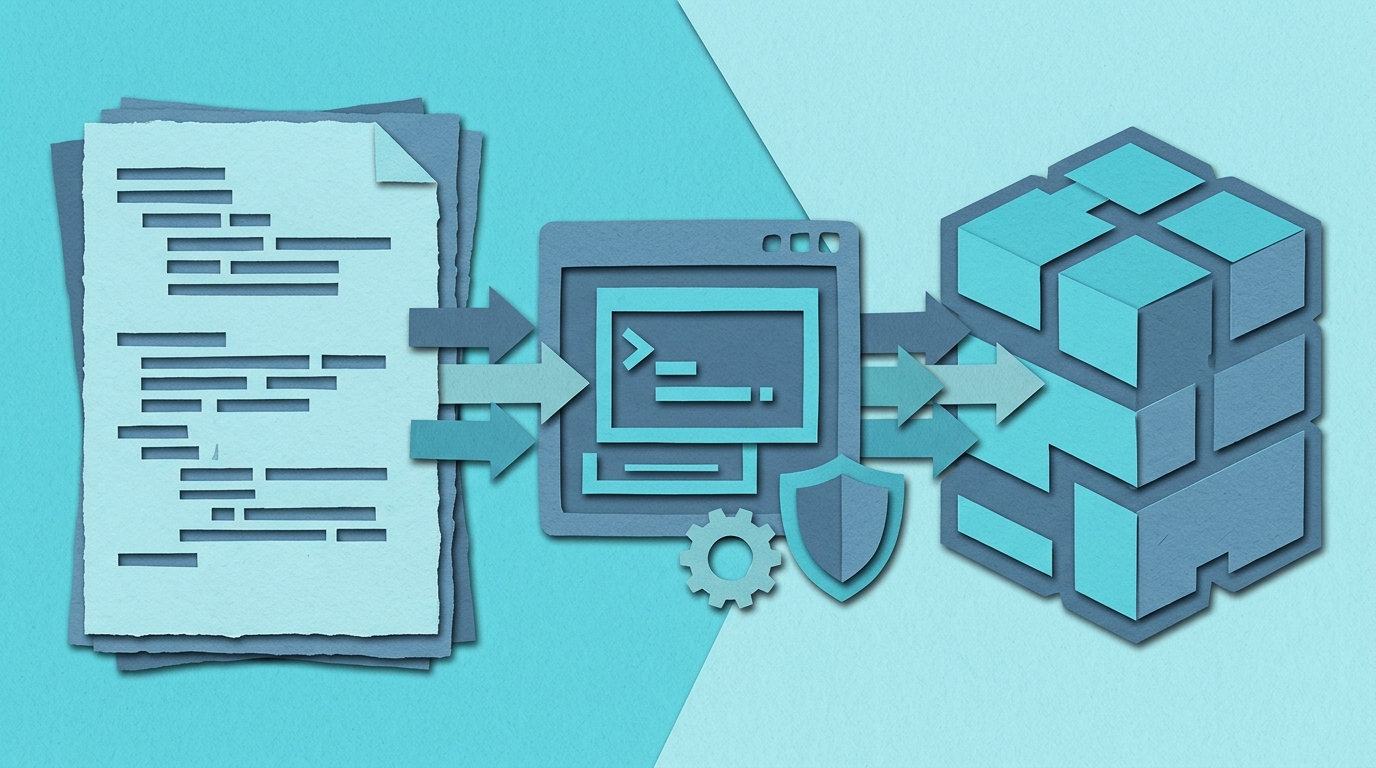
Compile Python Without Writing C Extensions or .pyx Files
If you want to distribute Python software without handing over readable source, every search result eventually tells you the same thing: write a C extension, or rewrite your modules as .pyx files and run cythonize yourself. That advice is technically true and practically awful. You end up maintaining a second, half-C codebase that has to be kept in sync with the Python you actually want to ship.
This article walks through the other path. You will take an ordinary Python project — plain .py files, ordinary imports, no Cython syntax anywhere — and produce a compiled native binary from it. No .pyx files, no hand-written C, no manual cythonize step, no build configs to babysit.
Why You Don’t Need C Extensions or .pyx Files to Compile Python
Compiling Python for code protection and compiling Python for performance are different jobs that get conflated constantly. Protection only requires that your custom modules stop existing as readable source in the shipped artifact. Nothing about that goal demands that you author C by hand.
Py2Native (py2native.dev) is a Python-to-native compiler built around that distinction. It uses Cython under the hood — but hides it completely. You write plain Python. There is no Cython dialect to learn, no .pyx or .pxd files to maintain, no cythonize call to wire into a build script, and no C extension to write. Third-party Python libraries are left unmodified and work as-is with minimal or no configuration, which is where most protection tooling turns into a week of build engineering.
The hard way, for contrast: hand-authoring a C extension, or converting modules to .pyx, then maintaining setup.py/pyproject.toml build configuration, compiler flags per platform, and a cythonize invocation that has to be re-run every time a source file changes. That path works — it is just a second engineering project bolted onto your product.
The goal here is simpler: run one command, get a compiled binary, ship it. If you want the internals of what Cython does to your code during that step, that’s covered separately in What Does Cython Actually Do to Your Python Code? — this article stays on the practical track.
Prerequisites: What You Need Before You Start
Check these off before the first build, because every one of them is a hard requirement:
- CPython 3.11–3.15, including the free-threaded
3.14tand3.15tbuilds. - A platform C compiler/linker on
PATH: MSVC on Windows, GCC on Linux, Clang on macOS. Py2Native drives it — you don’t write for it. - Supported OS and CPU: Windows 8+, manylinux2014/musl Linux, or macOS, on x86-64 or ARM64.
- Internet access during the build. Py2Native downloads Python distributions and libraries.
uv>= 0.11.8 installed. Every command in this article starts withuv run py2native. Do not reach forpip— the embedded environment isuv-managed.
The open-source core pulls in cython >= 3.2.4, setuptools >= 82.0.1 (which supplies the distutils C compiler interface), and uv >= 0.11.8. On Linux you also want auditwheel >= 6.6.0 available for manylinux wheel repair.
The core compiler is MIT-licensed. A separate, proprietary Pro plugin adds signed JWT license verification, which we’ll cover in steps 6 and 7.
Step-by-Step: Compile Plain Python to a Native Binary with Py2Native
Step 1 — Install and verify the CLI
uv run py2native --help
If that prints the CLI reference rather than an error, you’re set up. You should see the build, keygen, sign, and show subcommands (keygen, sign, and show require the Pro plugin).
Step 2 — Prepare your plain Python project
Nothing special is required. A minimal layout:
myapp/
├── main.py          # entry point
├── core.py
├── reporting.py
└── utils.py
Rules that matter:
- No
.pyxor.pxdfiles for your own modules. Write normal Python. - No Cython syntax.
cdef,cpdef, and typed memoryviews are not part of this workflow. - No duplicate module names across your source files. That’s a known constraint; if you have two
utils.pyfiles, rename one. __init__.pyis skipped during compilation — it’s a namespace marker, not compilable logic. Move anything meaningful out of it.
Step 3 — Run the zero-config build
From the project root:
uv run py2native build main.py *.py
That produces a native executable (.exe on Windows, a native binary on Linux/macOS). Optionally add deployment outputs in the same run:
uv run py2native build main.py *.py --embed ./deploy
uv run py2native build main.py *.py --wheel ./dist
uv run py2native build main.py *.py --base ./src --no-console
--base <dir> controls where source globs are expanded from; --no-console suppresses the console window on Windows.
Step 4 — What happens under the hood (the short version)
You don’t have to drive any of this, but knowing the pipeline makes troubleshooting much faster:
- Glob sources —
build.pyexpands your glob patterns under--base. - Plugin dispatch —
pluginManager.extendBuild(args)runs, including Pro license checks. - Cython → C —
compiler.pygenerates abootstrap.pyxfrom templates, invokes Cython, and transpiles your.pysources to C. This is the step you’d be doing by hand in “the hard way.” - C → objects — the platform compiler interface builds
.cfiles with the right flags per platform. - Link —
link_shared_object()for library mode,link_executable()for executable mode. - Wheel (optional) —
whl.pyproduces a PEP 427 wheel containing the compiled.pyd/.so. - Embed (optional) —
embed.pywrites auv-managed deployment directory.
No manual cythonize call, no setup.py compiler configuration, no per-platform flags to author.
Step 5 — (Optional) Build a shared library instead of an executable
uv run py2native build main.py *.py --library --wheel ./dist
Library mode emits a shared library — .pyd on Windows, .so on Linux, .dylib on macOS — containing all your compiled modules. The generated wheel includes two files you must keep, because both are load-bearing:
__init__.py— a meta-path finder that redirectsimport mypkg.submoduleto the compiled shared library.__main__.py— enablespython -m mypkg.
Both are required. __init__.py bridges Python’s import system to the native library; __main__.py provides the runnable entry point. Also note that in library mode __main__.py is excluded from your sources, since the wheel builder generates it. (For the packaging details, see How to Ship a PEP 427 Wheel With Compiled Modules.)
Step 6 — (Optional, Pro) Add license verification
If you want to check a signed license key at runtime, the Pro plugin handles it. Keys are EC P-256:
# 1. Generate a keypair
uv run py2native keygen private.pem public.pem

# 2. Sign a JWT payload -> license.dat
uv run py2native sign --private private.pem payload.json license.dat

# 3. Build with the license wired in
uv run py2native build main.py *.py --license license.dat --public public.pem
Only the public key ends up stored in the executable, and the elliptic-curve verification is handled with compiled code inside the product — no third-party crypto libraries are linked in. That means the verification logic and the public key are baked into the binary by the plugin, which is both the most secure and the most flexible arrangement.
Step 7 — (Optional, Pro) Call the verification logic from your code
You add one small declaration file alongside your sources:
# _p2n_bootstrap.pxd
cdef _runtime_verify_es256_jwt(token, expected_iss=*, expected_aud=*)
Then call it with your license key. The _p2n_bootstrap module is where the Pro plugin bakes in the signature verification:
from _p2n_bootstrap cimport _runtime_verify_es256_jwt

def require_valid_license(licenseString: str):
    license = _runtime_verify_es256_jwt(licenseString, expected_iss="RSJ Software GmbH", expected_aud="TimestampGIT")
    return license
The signature is _runtime_verify_es256_jwt(token, expected_iss="RSJ Software GmbH", expected_aud="TimestampGIT"). Pass your own issuer and audience values if your payload uses different claims — just make sure they match what you signed.
How to Confirm Your Python Was Compiled (Verification)
After a successful build, verify the artifact rather than trusting the exit code:
- Find the compiled artifact. Look for
.pydon Windows,.soon Linux,.dylibon macOS. In executable mode, you get a single native binary. - Confirm your modules are gone as source. Inspect the shipped directory — there should be no readable
.pyfiles for your custom modules. Third-party libraries remain as Python source; that’s expected and covered in What Happens to Third-Party Libraries When You Compile Python?. - Run it. Execute the binary, or import the shared library, and confirm behavior is unchanged from the interpreted version.
- Test the license path (Pro). Run with a valid
license.datand confirm it starts. Then remove the license or hand it a tampered token and confirm the binary refuses to run. - Inspect JWT claims when debugging.
uv run py2native show --public public.pem license.datprints the claims, and optionally verifies the signature against the public key.
Troubleshooting Common Issues
Build fails with a missing compiler. Install MSVC (Windows), GCC (Linux), or Clang (macOS) and make sure it’s on PATH. Py2Native shells out to the platform toolchain; it doesn’t ship one.
Duplicate module names. Two source files with the same module name will break the build. Rename one. This is a known constraint, not a bug.
Logic in __init__.py disappears. __init__.py is skipped during compilation because it’s treated as a namespace marker. Move real code into a normal module and import it.
Library mode says __main__.py is missing. It’s excluded from sources on purpose — the wheel builder generates it. Don’t add your own.
License verification fails. Two usual causes: the public key baked into the build doesn’t match the private key used to sign, or your expected_iss / expected_aud values don’t match the payload you signed. Use uv run py2native show to check the claims.
Linux wheel isn’t manylinux-compliant. The Linux platform plugin runs auditwheel repair for you. Make sure auditwheel >= 6.6.0 is available in the build environment.
FAQ
Do I need to write any C or Cython code to compile my Python?
No. Py2Native uses Cython under the hood but hides it completely. You write plain Python — no Cython syntax, no .pyx/.pxd files, no manual cythonize step, and no C extensions to write. You run uv run py2native build main.py *.py and get a native binary.
Will my third-party Python libraries still work after compilation? Yes. Third-party Python libraries are left unmodified and work as-is with minimal or no configuration. Only your custom Python code is compiled to native machine code.
How do I add license verification to my compiled Python app?
Use the Pro plugin. Generate keys with uv run py2native keygen, sign a payload with uv run py2native sign, and build with --license <file> --public <file>. In your code, import the verification logic via the required .pxd and call it: from _p2n_bootstrap cimport _runtime_verify_es256_jwt and license = _runtime_verify_es256_jwt(licenseString, expected_iss="RSJ Software GmbH", expected_aud="TimestampGIT"). The plugin bakes the signature verification code and public key into the executable.
What are the known constraints when compiling Python with Py2Native?
No modules with identical names across source files; monkey-patching is still possible (third-party libraries remain as Python source); LGPL libraries remain replaceable by the end user for compliance; __init__.py is skipped during compilation; and in library mode, __main__.py is excluded from sources because the wheel builder generates it.
Conclusion
The reason “compile Python” sounds like a C project is historical, not technical. If your goal is protecting proprietary source, you never needed to author C extensions or maintain .pyx files — you needed a compiler that takes plain Python and hands back a native binary. Py2Native does exactly that in one command, with --wheel and --embed when you need deployment artifacts, and a Pro plugin when you need signed JWT license keys baked into the executable.
Start with the CLI, run it against your real project, and check the output directory for the compiled artifact:
uv run py2native build main.py *.py --wheel ./dist
Get Py2Native running → py2native.dev
Related posts
- What Happens to Third-Party Libraries When You Compile Python?
- How to Ship a PEP 427 Wheel With Compiled Modules
- How Py2Native’s --embed Builds a Portable Deployment Folder
