
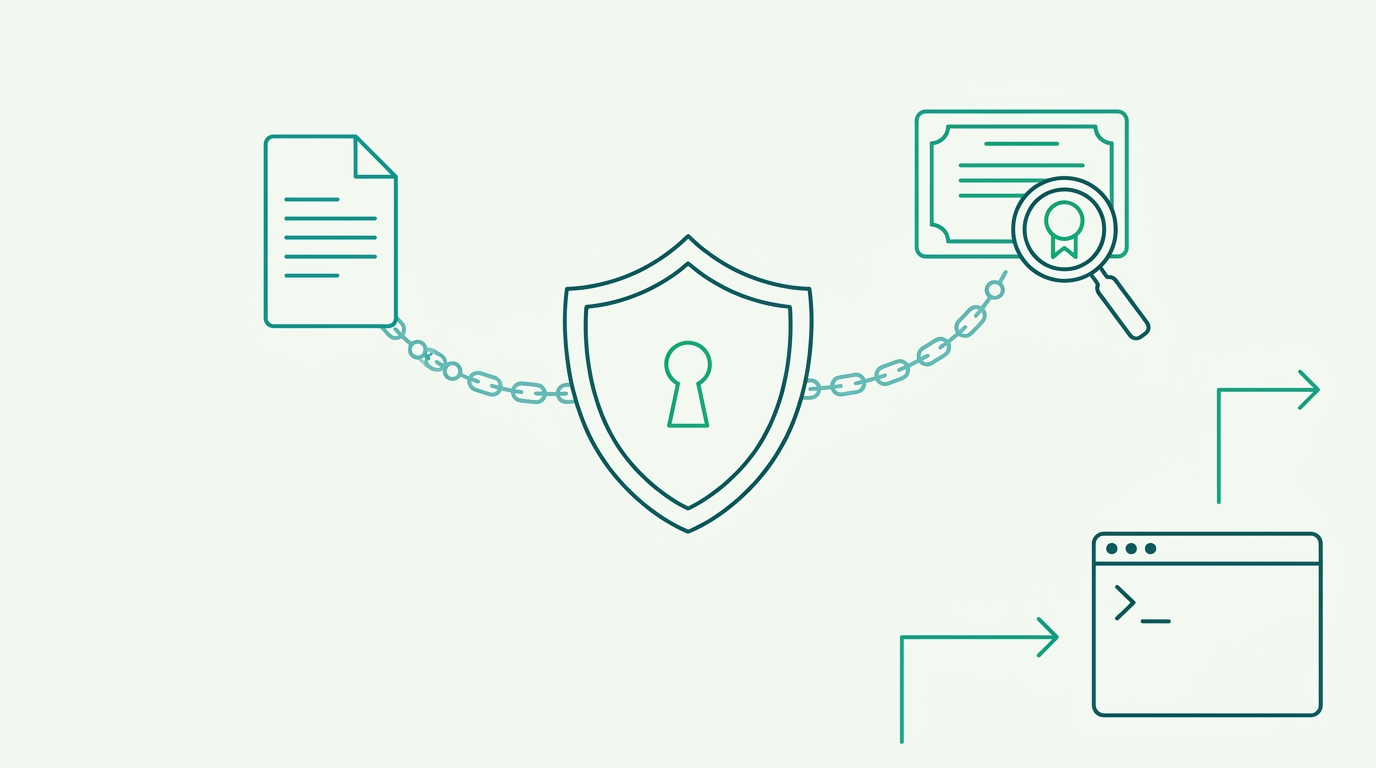
Verify a Signed License Key in a Compiled Python App
You compiled your Python app into a native binary, the proprietary logic is no longer readable, and shipping feels safer. Then the obvious question shows up: how does the binary know whether this particular customer actually paid?
Compilation protects your code. It does not enforce your commercial terms. A native binary that runs for everyone is a native binary that was given away for free. So the last piece of any serious Python-to-native build is a runtime license check that (a) the customer cannot edit, and (b) you can issue per customer without rebuilding anything.
This article walks through embedding a signed license key verification into a compiled Python app with Py2Native’s Pro plugin: generate an EC P-256 keypair, sign a JWT payload, call the verification hook from plain Python, and bake the public key into the executable.
Why Verify a Signed License Key in a Compiled Python App?
Compiled code changes the economics of tampering, but only for the code you compiled.
- Pure-Python apps: the license check lives in the same readable file as everything else. Changing one condition, or stubbing a function, is a two-minute edit with a text editor. Code protection and license enforcement collapse into the same weak point.
- Compiled apps: the check is machine code. There is no
if licensed:line to flip, no.pyfile to patch, no import to shadow with a friendly stub in the working directory.
What you need next is proof that the running instance is entitled to run — a signed license key that only you can mint and that the binary can validate offline, without phoning home and without shipping a secret.
Py2Native’s Pro plugin handles that. The open-source MIT core compiles your plain Python into a native binary (see Open Source Python Compiler for Commercial Software: MIT Core); the Pro plugin adds JWT license verification, EC P-256 key generation, signing, and inspection commands. The verification code and the public key get compiled into the executable. You never write Cython, never hand-write C, and your third-party dependencies stay unmodified — they’re just Python packages that keep working.
What a Proof of License Looks Like: JWT and Public-Key Verification
A license key in this model is a JWT — a signed JSON document with claims:
{
  "iss": "RSJ Software GmbH",
  "aud": "TimestampGIT",
  "sub": "acme-corp",
  "plan": "enterprise",
  "exp": 1798761600
}
The claims are readable by anyone. That’s fine. What matters is the signature: the token is signed with your private key using ES256 (ECDSA over the P-256 curve), and verified with the matching public key.
The asymmetry is the whole design:
- Private key — stays with you, on your machine, never shipped, never in the repo, never in CI artifacts.
- Public key — baked into the compiled executable at build time. It can only verify signatures; it cannot create them. Extracting it gives an attacker nothing useful.
- Verification code — compiled into the binary by the Pro plugin, using compiled elliptic-curve code with no third-party crypto libraries pulled in.
So per customer, the workflow is: sign a payload with your private key, hand the resulting license.dat to the customer. No rebuild, no per-customer binary.
Step-by-Step: Embedding License Verification with Py2Native Pro
Everything below starts with uv run py2native — no pip, no manual cythonize, no .pyx authoring in your application code.
1. Generate your keypair
uv run py2native keygen private.pem public.pem
This is a Pro-only command and produces an EC P-256 keypair. Move private.pem somewhere safe immediately — an offline machine or a secrets manager. public.pem is the file you’ll pass to the build.
2. Write and sign a license payload
{
  "iss": "RSJ Software GmbH",
  "aud": "TimestampGIT",
  "sub": "acme-corp",
  "plan": "enterprise",
  "seats": 25,
  "exp": 1798761600
}
uv run py2native sign --private private.pem payload.json license.dat
license.dat is the JWT you ship to the customer. Repeat this per customer with different sub / plan / exp values — same binary, different license.
3. Declare the verification hook in a .pxd file
The Pro plugin compiles the actual verification routine into your binary. Your code needs to know its signature, so you declare it once — a single _p2n_bootstrap.pxd file next to your sources:
# _p2n_bootstrap.pxd
from _p2n_bootstrap cimport _runtime_verify_es256_jwt

cdef _runtime_verify_es256_jwt(token, expected_iss=*, expected_aud=*)
That’s a declaration, not an implementation. You are not writing a C extension, not writing Cython application logic, and not running a manual build step — the plugin supplies the compiled body and bakes it into the executable.
4. Call it from your plain Python code
Now the check itself, in a normal .py file:
# main.py
from pathlib import Path
from _p2n_bootstrap import _runtime_verify_es256_jwt


def load_license(path: str = "license.dat") -> str:
    return Path(path).read_text(encoding="utf-8").strip()


def is_licensed() -> bool:
    try:
        licenseString = load_license()
        license = _runtime_verify_es256_jwt(licenseString, expected_iss="RSJ Software GmbH", expected_aud="TimestampGIT")
    except Exception:
        return False
    return bool(license)


def run_app() -> None:
    print("licensed features unlocked")


def main() -> int:
    if not is_licensed():
        print("No valid license found. Provide license.dat next to the executable.")
        return 1
    run_app()
    return 0


if __name__ == "__main__":
    raise SystemExit(main())
expected_iss and expected_aud are not decoration — they pin the token to your issuer and your product, so a valid JWT signed for a different product doesn’t unlock this one. Swap in your own values; the ones above are the documented example.
5. Build with the public key baked in
uv run py2native build main.py *.py --license license.dat --public public.pem
At this point the pipeline globs your sources, generates the Cython bootstrap from the plugin’s templates, compiles your .py files to C, compiles those to objects with your platform’s flags, and links a native executable. The public key and verification logic land inside it. If you’d rather distribute a wheel or a uv-managed deployment directory, add --wheel dist or --embed deploy — see Ship Compiled Python Wheels Automatically on Every Release.
6. Inspect the token before you ship it
uv run py2native show --public public.pem license.dat
This displays the JWT claims and, with --public, verifies the signature against the public key. Run it on every issued license as a pre-distribution sanity check — it takes a second and catches a wrong aud, a typo’d expiry, or a license signed with the wrong key before it reaches a customer.
Interpreting Verification Results and Handling Edge Cases
_runtime_verify_es256_jwt performs a real signature verification — not a string comparison. On success you get a truthy result. On failure the check does not pass, either as a falsy return or as a raised exception depending on how the failure surfaces, which is why the wrapper above catches both paths.
Common failure modes:
| Symptom | Likely cause | What to do |
|---|---|---|
| Fails immediately, signature error | Token was edited after signing, or signed with a different private key | Re-sign the payload; never hand-edit a license.dat |
| Fails with a claim mismatch | expected_iss / expected_aud in code doesn’t match the payload |
Align the constants in your code with the values you sign |
| Fails after a date | exp claim has passed |
Issue a renewed license with a new exp |
| Fails for one customer only | Their license.dat was issued from a stale public.pem |
Confirm the binary was built with the matching public key |
| Fails at startup, no message | license.dat missing or unreadable next to the executable |
Handle FileNotFoundError and print an actionable message |
Handling in the app is a product decision, not a technical one:
def main() -> int:
    if not is_licensed():
        # Hard stop
        print("License invalid or expired. Renew at https://example.com/renew")
        return 1
    run_app()
    return 0
Or degrade gracefully — read-only mode, watermarked exports, limited record counts — and let the user enter a refreshed key without restarting into a crash.
One thing to be honest about: monkey-patching remains possible because third-party libraries still ship as Python source. An attacker determined enough to wrap or intercept the compiled call can still try. What changes is the cost — the verification path, the key material, and the comparison logic are machine code inside the binary rather than a readable condition in a .py file. That’s the difference between “open it in an editor” and “reverse-engineer a binary”.
Best Practices for License Verification in Compiled Python
- The private key never leaves your control. Not in the repo, not in CI logs, not in a Docker layer, not emailed to a customer “just in case”. If it leaks, every license you ever issued is forgeable.
- Use the Pro plugin’s string compression. It reduces what a strings dump of the binary reveals around your license-handling code.
- Rotate keys deliberately. Generate a new pair, rebuild, and issue new licenses under the new public key. Keep the old binary/key pair documented so existing customers aren’t stranded mid-contract.
- Test with production build flags in staging. A
--librarybuild, a--wheelbuild, and a plain executable differ in how the module is loaded. Verify the license path in the same shape you ship. - Keep the
.pxddeclaration in version control alongside the code that calls it, so the build is reproducible on any machine. - Sign per customer, not per build. One binary, many
license.datfiles. That’s what makes offline verification worth the setup.
FAQ
Can I verify licenses without the Pro plugin?
The open-source core of Py2Native does not include license verification. The Pro plugin adds JWT license verification, key generation, and signing. You need the Pro plugin to use _runtime_verify_es256_jwt and related commands.
What happens if the public key is extracted from the binary? The public key is meant to be public; it only verifies signatures and cannot be used to create new licenses. The private key remains with you, so extracting the public key does not compromise security.
How do I handle license expiration?
Include an expiration claim in the JWT payload. The _runtime_verify_es256_jwt function checks the signature and claims; you can also inspect the expiration manually using uv run py2native show.
Is cross-compilation supported for license verification? Py2Native compiles natively for the target platform. Cross-compilation is not supported; build on the platform you intend to deploy to.
Wrapping Up
Compiling Python to a native binary and enforcing a license are two separate problems, and most teams solve the first one and quietly skip the second. The Pro plugin closes that gap without asking you to write Cython, hand-write C, or bolt on a third-party crypto stack: generate a keypair, sign a JWT, declare one hook, call it from your normal Python code, and build with --public.
The result is a shipped binary where the verification logic and the public key are compiled in, the private key never leaves your machine, and each customer gets a license file rather than a rebuild.
Ready to try it? Start at py2native.dev — the core compiler is MIT-licensed, and the Pro plugin is what adds the signed-license layer described here.
Related posts
- Compile Python to a Native Binary Without Writing a Single .pyx File
- Open Source Python Compiler for Commercial Software: MIT Core
- Ship Compiled Python Wheels Automatically on Every Release
