Secure JWT License Verification with Py2Native Pro
JWT license verification in Python has a well-known weak spot: the verification logic itself is Python. A customer who receives your package can open license_check.py, read the validation rules, and often patch the check with one line. That is not a licensing problem; it is a source-visibility problem.
Py2Native Pro takes a different route. You still write plain Python, but the verification routine and the public key are compiled into native machine code. The result is an executable that enforces your license terms without an external verification service and without shipping the private key.
This article walks through the full verification flow: generating an ES256 keypair, signing a JWT license, calling the compiled verifier from your code, and handling the cases where verification fails.
Why JWT License Verification Matters for Python Developers
Python is easy to distribute and easy to inspect. If your licensing check is ordinary Python source, a determined user can often locate the if valid branch, alter it, and run your software without a valid license. Code obfuscation can slow this down, but it rarely stops someone from reading the actual validation logic.
JWT is a useful format for license keys because it carries signed claims such as:
iss— issueraud— audienceexp— expiration timesub— customer identifier- custom fields such as feature flags or user limits
A JWT lets you distribute a compact license file while keeping the signing key private. The weakness is in the verification step. If the verifier is interpreted Python, it can be modified. Py2Native Pro addresses that by baking the verification logic and public key into the compiled binary. The end user does not get a readable Python function that returns True or False; they get native machine code.
The hard way would be to hand-write a C extension or manually run Cython on a .pyx file just for licensing. Py2Native Pro automates that path while keeping the rest of your workflow as a normal uv run py2native build command.
What a JWT License Proof Looks Like
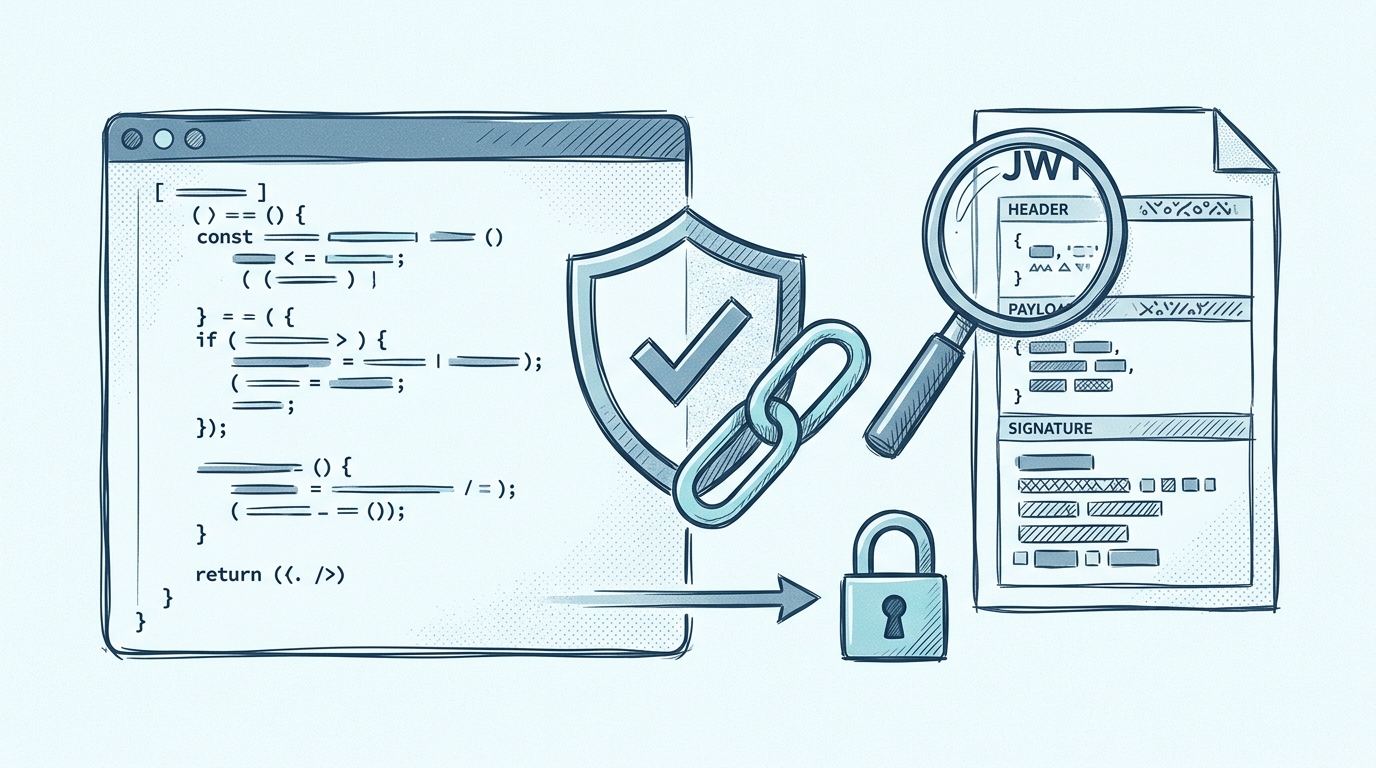
A JWT license consists of three base64url-encoded parts separated by dots:
header.payload.signature
The header identifies the signing algorithm:
{
  "alg": "ES256",
  "typ": "JWT"
}
The payload contains the claims you want to enforce:
{
  "iss": "RSJ Software GmbH",
  "aud": "TimestampGIT",
  "exp": 1790000000,
  "sub": "customer-1234",
  "features": ["reports", "api-access"]
}
The signature is produced with your private ES256 key. To verify the license, the application checks the signature against the corresponding public key and then evaluates claims such as exp, iss, and aud.
With Py2Native Pro, the public key is embedded in the executable. Only the public key is stored in the binary; the private key remains on your signing machine. The elliptic-key verification is handled with compiled code, so there is no third-party JWT library sitting in your Python source.
Step-by-Step: Verifying JWT Licenses with Py2Native Pro
These steps assume you have a project where Py2Native Pro is available and your Python environment runs through uv.
1. Generate an ES256 keypair
Run the Pro-only keygen command to create a private and public key:
uv run py2native keygen private.pem public.pem
Keep private.pem out of the repository and out of the distribution. It is for signing licenses only.
2. Create a license payload
Write the claims you want to enforce into a JSON file:
{
  "iss": "RSJ Software GmbH",
  "aud": "TimestampGIT",
  "exp": 1790000000,
  "sub": "customer-1234",
  "features": ["reports", "api-access"]
}
Use a realistic expiration timestamp. The exp value is a Unix timestamp, not a calendar string.
3. Sign the payload
Create the JWT license file with the Pro sign command:
uv run py2native sign --private private.pem license_payload.json license.dat
You can inspect the claims later:
uv run py2native show --public public.pem license.dat
4. Add the verification call to your code
In your project, create a .pxd declaration so the compiled code can reach the native verifier:
# license_check.pxd
from _p2n_bootstrap cimport _runtime_verify_es256_jwt

cdef _runtime_verify_es256_jwt(token, expected_iss=*, expected_aud=*)
Then call it from your Python code:
# license_check.py
from _p2n_bootstrap import _runtime_verify_es256_jwt


def enforce_license(path="license.dat"):
    with open(path, "r") as f:
        licenseString = f.read().strip()

    license = _runtime_verify_es256_jwt(
        licenseString,
        expected_iss="RSJ Software GmbH",
        expected_aud="TimestampGIT",
    )

    return license
The .pxd file is a small declaration bridge. Py2Native uses it during compilation to connect your Python call to the native verifier. You are not hand-writing C extensions or running raw Cython commands.
5. Compile with the Pro plugin
Build your application with the license and public key:
uv run py2native build \
  --license license.dat \
  --public public.pem \
  main.py license_check.py
Here, --license is your Py2Native Pro license file that authorizes the build. The --public key is the public key that will be embedded in the binary for verifying your customer license files.
The Pro plugin automatically includes the verification code in the build. There is no manual Cython or C integration step.
Interpreting Verification Results and Handling Edge Cases
When verification succeeds, _runtime_verify_es256_jwt returns the decoded claims. You can use those claims to enable features or configure the application:
claims = enforce_license("license.dat")
print(f"Licensed to {claims.get('sub')}")
print(f"Enabled features: {claims.get('features')}")
If verification fails, it raises an exception. Handle the common failure modes explicitly:
import sys

try:
    claims = enforce_license()
except FileNotFoundError:
    sys.exit("License file not found. Please install a valid license.")
except Exception as exc:
    sys.exit(f"License verification failed: {exc}")
Typical failure modes include:
- invalid signature
- expired token
- wrong issuer or audience
- missing license file
- malformed JWT
For commercial applications, a missing or invalid license usually means either exit or run in a limited trial mode. The important choice is to fail closed: do not silently continue with full functionality.
A few edge cases are worth planning for:
- Clock skew: if the customer’s system clock is wrong, an otherwise valid
expclaim may fail. Decide whether you want to allow a small leeway or require a network time check. - Multiple license files: if your app can run from different working directories, define a clear lookup order for
license.dat. - Offline verification: Py2Native Pro verifies locally with the embedded public key. No license server or internet connection is required at runtime.
Because the verification logic is compiled into the binary, simple source-level patching is no longer possible. A user must reverse engineer native code to alter the check.
Best Practices for JWT License Verification in Compiled Python Apps
Licensing is only as strong as the entire distribution. A few practices make the protection more effective:
- Keep the private key private. Sign licenses on a separate machine or CI secret store. Never ship
private.pem. - Use short expiration times and plan renewals. A shorter
explimits the value of a leaked license file. - Enforce claims in code. Do not only verify that the JWT is valid. Read
features,sub, or limits from the returned claims and conditionally enable functionality. - Compile the verification code. Keep the license check inside the compiled portion of your application. For broader context, see How Python Developers Can Protect Their Intellectual Property.
- Do not leave a Python fallback. If you ship both source and binary forms, make sure the compiled verifier is the only path that enables paid features.
Py2Native compiles your custom code while leaving third-party Python libraries unmodified. That is a practical balance: your proprietary verification logic stays protected without forcing a full rewrite. For a comparison with other compiled-Python options, see Py2Native vs Nuitka: Which Python Compiler Protects Your Code Better?. If you are still evaluating guardrails, Python Code Obfuscation Tools: What Are Your Options? covers the alternative approaches.
FAQ
Q: Can I use JWT license verification with the open-source Py2Native Community edition?
A: No. JWT license verification is a feature of Py2Native Pro. The Community edition focuses on compilation and embedding, while Pro adds license key generation, signing, and verification.
Q: How does Py2Native Pro prevent someone from bypassing the license check?
A: Py2Native Pro compiles the verification logic and the public key directly into the native binary. This makes it difficult to patch or remove the check without reverse engineering the compiled code.
Q: What happens if the license file is missing or invalid?
A: The _runtime_verify_es256_jwt function raises an exception or returns an error. You should handle this in your code by displaying a message and exiting, or by running in a limited trial mode.
Q: Can I use third-party JWT libraries instead of Py2Native Pro’s built-in verification?
A: Yes, but using third-party libraries leaves the verification logic in Python source, which can be more easily modified. Py2Native Pro’s built-in verification is compiled into the binary, providing stronger protection.
Conclusion
License verification is only useful if it cannot be edited away in a text editor. Py2Native Pro keeps the developer workflow simple—generate a keypair, sign a JWT, call one verifier function, and compile—while moving the actual verification into native machine code.
The result is an application that can verify licenses offline, without exposing the private key, and without shipping readable license-check source. For Python developers who need to ship proprietary software, that combination is the practical middle ground between unprotected source and a hand-built C extension.
Start with uv run py2native keygen, embed the public key, and let the compiled verifier do the enforcement. Learn more about the workflow at Py2Native and test it against your own project structure.
Related posts
- Py2Native vs Nuitka: Which Python Compiler Protects Your Code Better?
- Python Code Obfuscation Tools: What Are Your Options?
- How Python Developers Can Protect Their Intellectual Property
