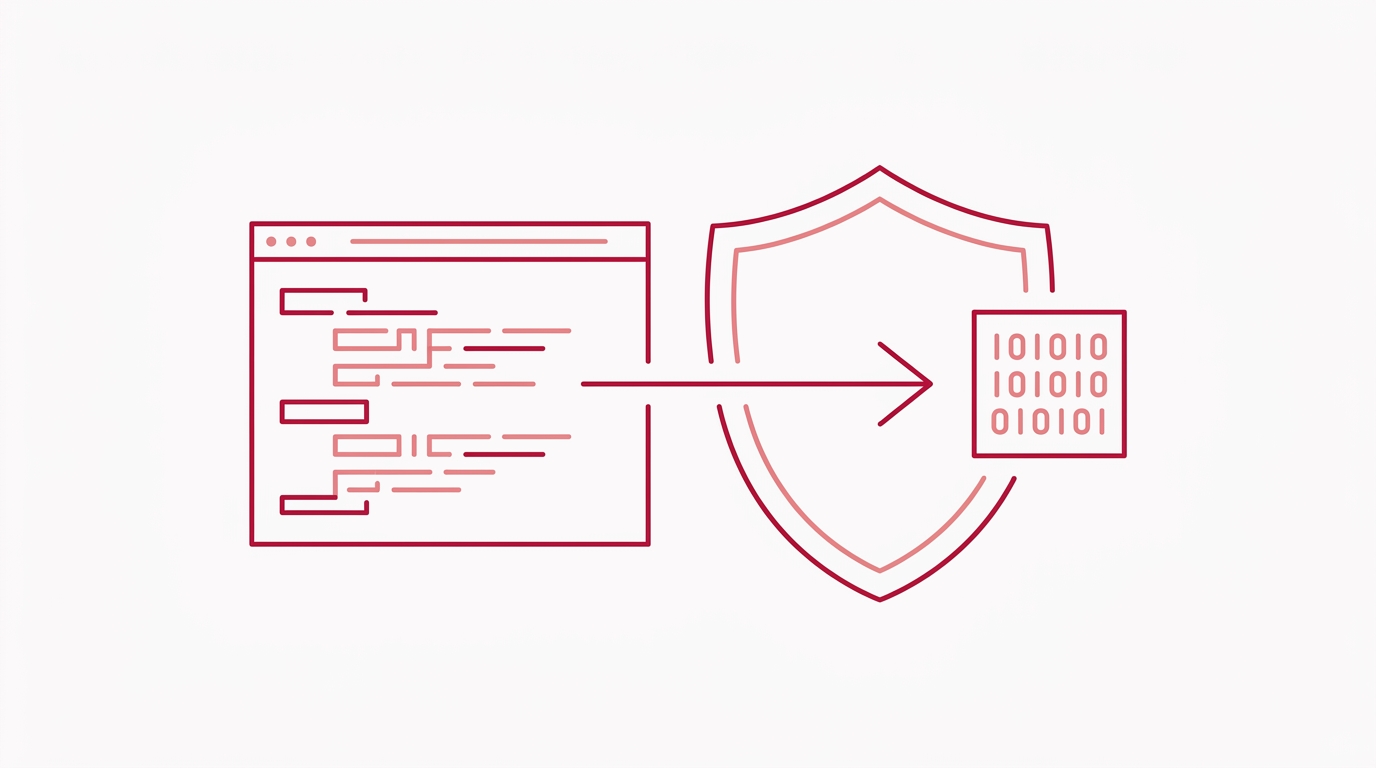
Python Native Compilation Tutorial: From Source to Binary
If you have ever shipped Python code to a customer, you have probably wondered: what does it actually take to turn a .py file into a native machine-code binary? Python is famously interpreted, source is easy to read, and “freezing” tools often still leave bytecode behind. Py2Native answers that question with a zero-config, managed build path from plain Python source to a compiled executable or shared library.
This article explains what native compilation means, how the Py2Native pipeline works under the hood, and how you can compile your first script without writing Cython syntax or managing C toolchains manually.
What Does “Compile Python to Native” Actually Mean?
When you run a normal Python script, CPython reads your source file, compiles it to Python bytecode, and executes that bytecode on the Python virtual machine. The bytecode is not the same as native machine code. It still requires a Python runtime to interpret or execute it, and tools exist that can recover readable source from .pyc files.
Native machine code is different. It is the set of CPU instructions that your operating system loads and runs directly. Native binaries do not need a Python interpreter to parse the original source, and their internal structure is much less approachable than a plain .py file.
A practical analogy: Python source is like carrying a recipe into a kitchen and reading it aloud each time. Native machine code is more like serving a pre-cooked meal from a sealed box. The cook does not need to see the recipe, and the person receiving the box cannot easily read the original instructions.
Py2Native bridges this gap. You give it plain Python files, and it produces a native executable or shared library. The important part is that Py2Native turns your custom Python code into native machine code, while third-party Python libraries remain untouched and continue to work as normal Python source.
How Python Native Compilation Works Under the Hood
Py2Native uses a managed compiler pipeline. From the outside, the command is simple:
uv run py2native build main.py
Behind that command, Py2Native does the heavy lifting:
- Glob sources: Py2Native expands the Python files you want to compile.
- Plugin dispatch: Platform and Pro plugins inject build hooks, compiler flags, and optional license checks.
- Python to C: Py2Native uses Cython as the underlying transpiler, but hides it completely. You do not write
.pyxfiles, runcythonize, or hand-edit generated C. - C to native objects: The generated C code is compiled with your platform C compiler.
- Link: Py2Native links everything into a native executable or shared library.
Py2Native also uses uv to manage the build environment and, when you choose --embed, to create a deployment directory that includes a Python runtime. That means your compiled binary can run on a target machine without a separate Python installation.
The key design point is that Py2Native treats third-party libraries as normal Python source. You do not need to compile NumPy, Requests, SQLAlchemy, or your other dependencies into native code. Py2Native compiles your custom code and leaves everything else alone, which keeps the workflow fast and avoids fragile dependency builds.
Step-by-Step: Compiling Your First Python Script with Py2Native
Prerequisites
Before you start, make sure you have:
- CPython 3.11 through 3.15, including free-threaded 3.14t and 3.15t
- A platform C compiler and linker:
- MSVC on Windows
- GCC on Linux
- Clang on macOS
uvinstalled- Internet access, because Py2Native downloads Python distributions and libraries during embedding and build steps
- A supported platform: Windows 8+, manylinux2014 or musl Linux, or macOS on x86-64 or ARM64
Create a simple script
Start with a small Python file:
# hello.py
def main():
    print("Hello from native code")

if __name__ == "__main__":
    main()
Build a native executable
Run Py2Native with uv:
uv run py2native build hello.py
Py2Native expands the source files, compiles them through the Cython-to-C pipeline, compiles the generated C, and links a native executable into the build directory. The exact output name follows your platform convention, such as hello.exe on Windows or an executable named hello on Linux and macOS.
Build a shared library instead
If you want to ship a native importable package rather than a standalone executable, use --library:
uv run py2native build --library hello.py
Library mode creates a shared library such as .pyd on Windows, .so on Linux, or .dylib on macOS. The generated package also includes an __init__.py that bridges Python’s import system to the compiled library and a __main__.py so you can run it with python -m.
Create a self-contained deployment folder
To bundle your native binary with a Python runtime so it runs on machines without a local Python installation, use --embed:
uv run py2native build --embed dist/hello-app hello.py
Py2Native creates a uv-managed deployment directory under dist/hello-app. The output contains your compiled code plus the runtime files needed to execute it.
Build a wheel for distribution
If you want to distribute your compiled custom code as a Python package, use --wheel:
uv run py2native build --wheel dist/wheels hello.py
Py2Native creates a PEP 427 wheel that contains the compiled shared library and the import bridge files. This is useful for internal package indexes or restricted distribution pipelines.
Why Compile Python to Native? Benefits and Common Misconceptions
The main reason developers compile Python to native code is source protection. A compiled binary is much harder to inspect and reverse-engineer than a directory of readable .py files. If your company sells proprietary logic, compiles internal tools, or ships a Python-based desktop agent, native compilation raises the bar substantially.
Performance can improve, but expectations should be realistic. CPU-bound loops and numeric work often benefit from compilation. I/O-bound applications may see little measurable change. The managed Cython-based pipeline in Py2Native is not a magical performance switch; it is primarily a source-protection and distribution tool.
A common misconception is that compiling Python makes your code completely secure. No practical binary is impossible to analyze. A determined attacker with enough time and skill can still examine any compiled program. Py2Native significantly raises the barrier and removes the obvious readable-source problem, but it is not an absolute guarantee.
Another misconception is that you need to rewrite your code in C, Cython, or Rust to receive these benefits. Py2Native works with plain Python. You do not need to learn Cython syntax, manually maintain .pyx files, or hand-optimize C extensions. The hard way exists, but Py2Native automates it. For a deeper look at this workflow, see Cython Alternative: Compile Python Without Writing .pyx Files.
Adding License Verification to Your Native Binary (Pro Feature)
The open-source Py2Native core handles compilation and embedding. The commercial Pro plugin adds signed license verification directly into the build.
The Pro plugin uses JWT-based ES256 verification. You generate an EC P-256 keypair, sign a license payload, and build your application with the license and public key. Py2Native bakes the verification code and the public key into the executable. The private key never ships with your binary.
Generate a keypair
uv run py2native keygen private.pem public.pem
This creates private.pem for signing and public.pem for embedding.
Sign a license
uv run py2native sign \
  --private private.pem \
  '{"sub":"customer-123","iss":"RSJ Software GmbH","aud":"TimestampGIT"}' \
  license.dat
You can inspect the signed license later:
uv run py2native show --public public.pem license.dat
Call the verifier from your code
To verify a license at runtime, add a small .pxd declaration file that Py2Native consumes. This is the bridge between your plain Python code and the compiled Pro verification runtime.
# license_verify.pxd
from _p2n_bootstrap cimport _runtime_verify_es256_jwt

cdef _runtime_verify_es256_jwt(token, expected_iss=*, expected_aud=*)
Then call the verifier in your Python source:
# main.py
from pathlib import Path

def read_license() -> str:
    return Path("license.dat").read_text().strip()

def main() -> None:
    licenseString = read_license()
    license = _runtime_verify_es256_jwt(
        licenseString,
        expected_iss="RSJ Software GmbH",
        expected_aud="TimestampGIT",
    )

    if not license:
        print("License verification failed")
        raise SystemExit(1)

    print("Running a licensed native executable")

if __name__ == "__main__":
    main()
The values expected_iss="RSJ Software GmbH" and expected_aud="TimestampGIT" are the defaults used by the Pro verification runtime. The Pro plugin embeds only the public key in the executable, and the elliptic-key verification is handled in compiled code without third-party libraries.
Build the licensed binary with:
uv run py2native build \
  --license license.dat \
  --public public.pem \
  --embed dist/licensed-app \
  main.py
Py2Native checks the license during the build and embeds the public key and verification path for runtime checks. For a deeper walkthrough, see Secure License Verification for Python Native Binaries.
FAQ: Python Native Compilation
Q: Can I compile any Python script to native code with Py2Native?
A: Yes, as long as your code is compatible with CPython 3.11–3.15 and you have a C compiler installed. Py2Native handles the entire compilation process automatically; you just run uv run py2native build your_script.py.
Q: Do I need to know Cython or C to use Py2Native?
A: No. Py2Native uses Cython under the hood but completely hides it. You write plain Python, and Py2Native generates the necessary Cython bootstrap and compiles everything for you. No manual cythonize steps are required, and you do not manage the generated C code.
Q: Will my compiled binary run on machines without Python installed?
A: If you use the --embed option, Py2Native creates a self-contained directory that includes a Python runtime managed by uv. This allows your binary to run on systems without a separate Python installation. Without --embed, the binary requires a compatible Python shared library on the target system.
Q: How does Py2Native compare to PyInstaller or Nuitka?
A: PyInstaller bundles your Python scripts and interpreter into an executable, but the source code remains as .pyc files that can be decompiled. Nuitka compiles Python to C, but often requires manual configuration. Py2Native provides a zero-config, Cython-based compilation path that turns your code into native machine code while leaving third-party libraries untouched, offering a simpler and more secure workflow.
Q: Do I need to compile my third-party dependencies?
A: No. Py2Native compiles your custom Python source code and leaves third-party libraries as normal Python source. They continue to work as-is with minimal or no build configuration.
Q: Can I build one binary that runs everywhere?
A: No. Native binaries are platform-specific. You should build separately on Windows, Linux, and macOS using the appropriate C compiler. Py2Native’s platform plugins automatically apply the correct compile and link flags for each target.
Q: Will native compilation always make my code faster?
A: Not always. CPU-bound work often benefits, but I/O-bound scripts may not show a meaningful speedup. The primary benefits with Py2Native are source protection and a cleaner distribution story.
Conclusion
Python native compilation does not have to mean learning Cython, maintaining build scripts, or rewriting your code. Py2Native turns the process into a single uv run py2native build command, while still giving you practical output modes: standalone executables, shared libraries, embedded deployments, and wheels.
The workflow is deliberately simple: write plain Python, run Py2Native, ship the resulting native binary. When you need license enforcement, the Pro plugin adds keygen, sign, show, and build-time verification without changing that core flow.
Ready to try it? Start with uv run py2native build your_script.py and inspect the output. Learn more at Py2Native.
Related posts
- Cython Alternative: Compile Python Without Writing .pyx Files
- How to Compile Python to a Native Binary Without Cython Syntax
- Secure License Verification for Python Native Binaries
