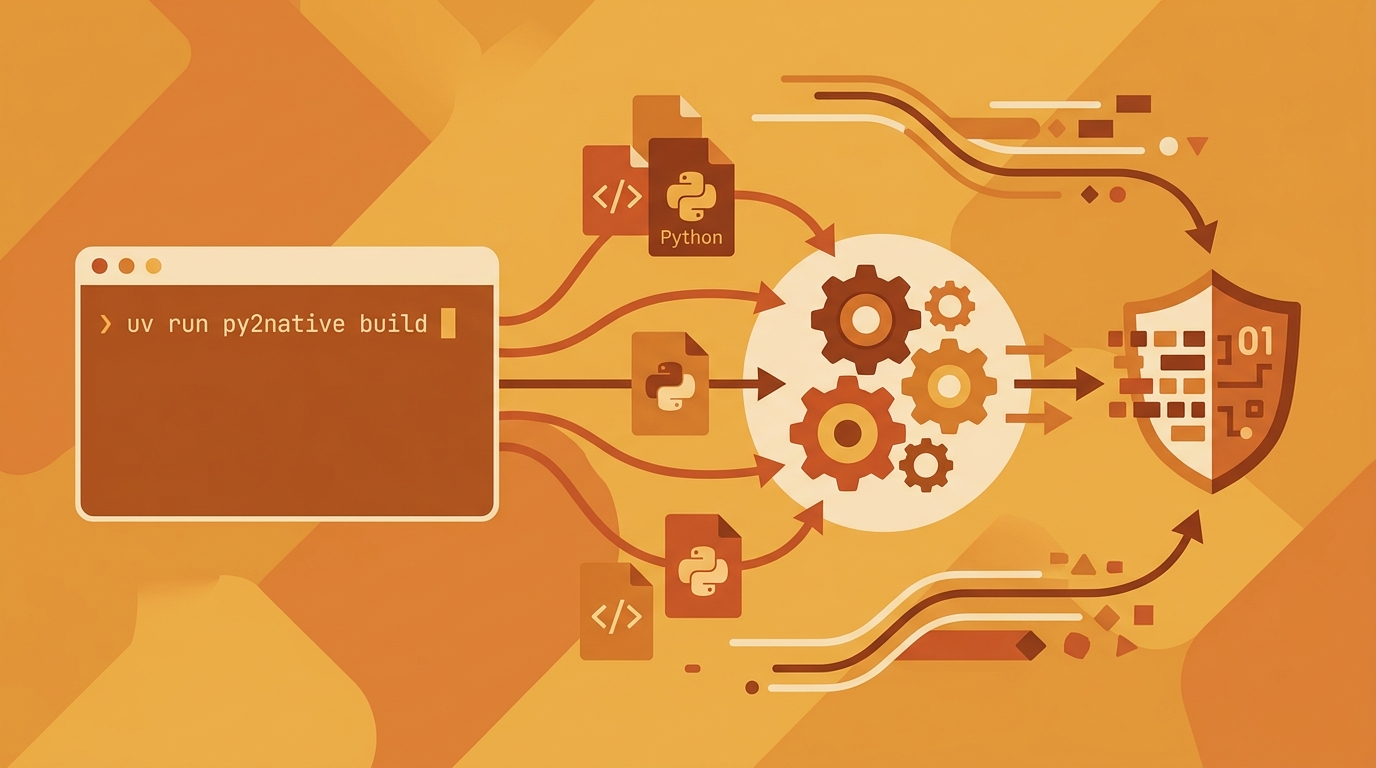
Python Compilation with uv: A Step-by-Step Guide
If you need to ship Python code as a compiled, protected binary—not readable .py files—Py2Native gives you a zero-config path that works with the uv package manager. You write plain Python. Py2Native handles the Cython transpilation, C compilation, and linking behind the scenes. No .pyx files, no manual cythonize step, no hand-written C extensions.
In this guide, you’ll compile a small Python application into a native executable using uv run py2native. You’ll then verify the output, and—optionally—add Pro-level JWT license verification.
Prerequisites
Before you start, make sure you have:
- CPython 3.11–3.15 installed, including free-threaded variants if you use them.
- uv version 0.11.8 or later. You can check with
uv --version. - A platform C compiler:
- MSVC on Windows
- GCC on Linux
- Clang on macOS
- Internet access so Py2Native can download Python distributions and libraries as needed.
- Basic familiarity with the command line and a standard Python project layout.
Step-by-Step: Compile Your Python Project
Step 1: Install uv and create a project
If you don’t have uv yet, install it from the official installer and restart your terminal. Then create a new project directory:
uv init myapp
cd myapp
This creates a minimal Python project with a pyproject.toml.
Step 2: Write a simple Python application
Create main.py with a small, self-contained program:
def greet(name: str) -> str:
    return f"Hello, {name}!"

if __name__ == "__main__":
    print(greet("from native code"))
This is all the source Py2Native needs. You don’t add Cython syntax or build configuration files.
Step 3: Add Py2Native as a dev dependency
Add the open-source Community edition using uv:
uv add --dev py2native
Py2Native is MIT-licensed and includes the full compilation pipeline for executables, shared libraries, wheels, and embedded deployments. The Pro edition is a separate proprietary plugin you can add later for JWT license verification.
Step 4: Build a native executable
Run the build command from the project root:
uv run py2native build main.py
Under the hood, Py2Native expands source globs, invokes Cython with the appropriate flags, compiles the generated C to object files, and links a native executable. On Windows, the output is an .exe; on Linux and macOS, it’s an ELF or Mach-O binary. You’ll find the executable in the project’s build directory, typically build/ or a similar output path printed by the command.
You can also pass multiple source files or glob patterns:
uv run py2native build main.py helpers/*.py
Step 5 (Optional): Build a shared library and wheel
If you want to distribute a compiled Python package instead of a standalone executable, use --library with --wheel:
uv run py2native build main.py --library --wheel dist/
This creates a PEP 427 wheel containing:
- A single compiled shared library (
.pydon Windows,.soon Linux,.dylibon macOS) __init__.py— a meta-path finder that redirectsimport mypkg.submoduleto the shared library__main__.py— enablespython -m mypkg
Both Python files are required. The __init__.py bridges Python’s import system to the native library, and __main__.py provides a runnable entry point. Py2Native generates them automatically.
Step 6 (Optional): Create an embedded deployment directory
For a self-contained environment that includes a uv-managed Python runtime and your compiled code, use --embed:
uv run py2native build main.py --embed deploy/
The deploy/ directory contains everything needed to run your binary on a target machine, without requiring a separate Python installation.
Step 7 (Pro): Add JWT license verification
If you need to control who can run your compiled binary, the Pro plugin adds signed JWT license checks. The plugin bakes the signature verification code and a public key directly into the executable. Only the public key is stored; the elliptic-curve verification is handled by compiled code included with Py2Native, so no third-party cryptography libraries are needed at runtime.
First, generate an EC P-256 keypair:
uv run py2native keygen private.pem public.pem
Next, sign a JWT payload to create a license file. The payload is typically a JSON string with claims like a customer ID or expiry date:
uv run py2native sign --private private.pem '{"sub":"customer-123","exp":"2027-01-01"}' license.dat
Then build with the license and public key flags:
uv run py2native build main.py --license license.dat --public public.pem
To enforce the license inside your application, include the Pro plugin’s provided .pxd declaration file in your project. You don’t write Cython yourself—the .pxd file is supplied and declares the verification entry point. Then call that entry point from your Python code. The exact import name is documented in the Pro plugin, but the integration pattern looks like this:
# main.py
from py2nativepro import check_license  # provided by the Pro plugin

check_license("license.dat")  # raises if the license is invalid or expired

print("Licensed build running.")
At runtime, the binary verifies the JWT signature against the embedded public key. If the license is missing, tampered with, or expired, the verification fails and your code can exit before exposing any proprietary logic.
Verifying the Compilation Worked
After a successful build, confirm the output is a true native binary.
-
Run the executable. From the build directory, launch the binary:
./build/main    # Linux/macOS
build\main.exe  # Windows
You should see exactly the same output as running the original Python script.
-
Check that source files are not present. List the output directory and confirm there are no
.pyfiles from your original source:ls build/The directory should contain only compiled artifacts—not readable Python.
-
For library mode, test the wheel. Install the wheel in a clean environment using
uv:uv pip install dist/myapp-1.0.0-*.whl python -c "import myapp; print(myapp.greet('wheel'))"The import should work through the generated
__init__.pymeta-path finder. -
For Pro license verification, inspect the JWT claims in your license file:
uv run py2native show --public public.pem license.datThis displays the claims and, with
--public, verifies the signature against the public key.
Troubleshooting Common Issues
Missing C compiler
If the build fails with a message about a C compiler, install the required toolchain: MSVC on Windows, GCC on Linux, or Clang on macOS. Make sure the compiler is on your PATH.
uv not found
Install uv using the official installer and restart your terminal. Verify with uv --version.
Cython errors
Py2Native requires Cython 3.2.4 or newer. Update the dependency with uv add --dev "cython>=3.2.4" and rerun the build. Do not try to run Cython manually—Py2Native manages that step for you.
Duplicate module names
Py2Native cannot compile two source files that would produce the same module name. Rename or restructure your files so every module has a unique name.
License verification failure
If a Pro build rejects the license, check that:
- The license file was generated with the matching private key.
- The public key passed with
--publicmatches the private key used for signing. - The JWT has not expired.
- You included the
.pxdfile and called the verification entry point correctly.
FAQ
What is the difference between Py2Native and raw Cython?
Py2Native uses Cython under the hood but automates the entire process. You write plain Python, and Py2Native handles the Cython transpilation, C compilation, and linking—no .pyx files, no manual cythonize step, no C extension code. Raw Cython requires you to write Cython syntax and manage the build yourself. Py2Native is the zero-config alternative.
Can I compile third-party libraries with Py2Native?
Py2Native compiles your custom Python code into native machine code. Third-party libraries remain as Python source and are used as-is; they are not compiled. This means you can still use any package installed from a package index without modification. Note that LGPL libraries remain replaceable by the end user for license compliance.
Does Py2Native work on Windows, Linux, and macOS?
Yes. Py2Native supports Windows 8+, manylinux2014/musl Linux, and macOS on x86-64 or ARM64 CPUs. It automatically detects the platform and applies the correct compiler and linker flags.
How does license verification work in the Pro edition?
The Pro edition adds a plugin that bakes signature verification code and a public key into the compiled executable. You generate an EC P-256 keypair, sign a JWT payload with the private key to create a license file, and then include a license check in your Python code. At runtime, the binary verifies the JWT signature using the embedded public key—no third-party libraries needed.
Conclusion: Protect Your Python Code with Zero-Config Compilation
Py2Native turns the hard problem of Python code protection into a single uv run py2native command. You write plain Python, keep your existing third-party dependencies, and get a native binary without touching Cython or C tooling.
Start with the open-source Community edition to compile executables, libraries, wheels, and embedded deployments. When you need to control distribution, add the Pro plugin for signed JWT license verification. Learn more at Py2Native.
For next steps, see the related articles below on pricing, enterprise protection, and CI/CD automation.
Related posts
- Py2Native Pricing: Community vs Pro Edition Explained
- Enterprise Python Code Protection: Why Native Compilation Matters
- Automating Python Compilation with Py2Native in Your CI/CD Pipeline
- How to Verify JWT Licenses in Python Compiled Binaries with Py2Native Pro
