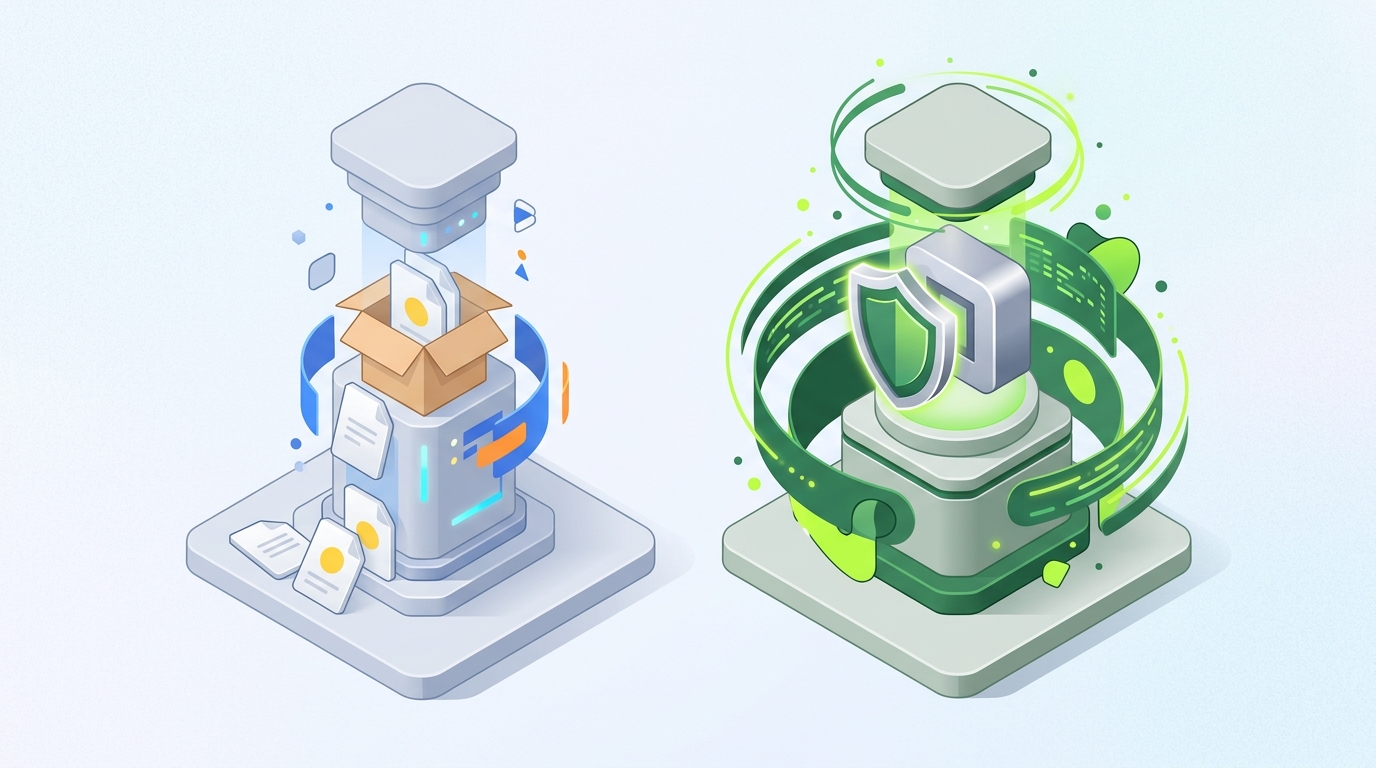
Py2Native vs PyInstaller: Which Python to EXE Compiler Protects Your Code?
If you are evaluating a python compiler to exe for a commercial Python application, the choice usually comes down to two tools that look similar but solve different problems. PyInstaller is the well-known bundler: it packages your Python interpreter, bytecode, and dependencies into a single executable. Py2Native is a native compiler: it takes your custom Python modules and compiles them into native machine code before linking the final binary.
The decision matters most when you ship proprietary code to customers. A bundler makes distribution easy; it does not hide your source. A native compiler makes reverse engineering much harder while keeping the build close to your current workflow.
This article compares Py2Native and PyInstaller across ease of use, automation, security, pricing, and integration.
The Landscape: Python to EXE Options
Python-to-EXE tools fall into two broad groups.
Bundlers — PyInstaller and cx_Freeze — put CPython, your .pyc bytecode, and third-party dependencies into an executable or directory. The Python code is still present as bytecode inside the bundle. Bytecode can be extracted and decompiled into readable Python.
Native compilers — Nuitka, Cython, and Py2Native — translate Python source to C and then compile the C into native machine code. The result is an executable or shared library that does not store your original .py source or standard .pyc bytecode in the same form. Decompilation is much harder.
The manual Cython route is the hard way: you write .pyx files, maintain declarations, and run a separate transpilation step yourself. Py2Native automates that path. You write plain Python, run one command, and get a native binary. PyInstaller remains a bundler; it does not do this source-to-machine-code translation.
For a deeper look at protecting Python source in practice, see How to Hide Python Code from Users: A Practical Guide.
Selection Criteria for a Python to EXE Compiler
Ease of use
Py2Native is built around a single command:
uv run py2native build main.py *.py
There is no Cython syntax, no .pyx file, and no manual cythonize step in the normal build flow. PyInstaller can bundle a simple script with one command, but complex applications often require a .spec file, hidden imports, and data-file configuration to get a reproducible build.
Automation
Both tools can run in CI/CD, but the automation surface is different. Py2Native works well with uv run in a pipeline:
uv run py2native build main.py src/*.py --embed dist/release
This is the same command you use locally, which keeps local and CI builds consistent. PyInstaller can also be automated, but teams often end up committing and maintaining a .spec file for anything beyond a trivial project.
Security
This is the core difference. Py2Native compiles your custom Python code to native machine code through Cython under the hood. The protected code is not sitting in the binary as Python bytecode.
PyInstaller bundles your Python modules as bytecode. That bytecode can be extracted and decompiled, so it is not a source-code protection tool. It is a distribution tool.
Pricing
Py2Native has an open-source Community edition released under MIT. The Pro plugin is proprietary and adds license verification, string compression, and other commercial features. PyInstaller is a free bundler, but it has no built-in license verification for shipping commercial software.
Integration
Py2Native leaves third-party libraries as Python source, so they work as-is with minimal or no configuration. That also keeps LGPL dependencies replaceable by the end user, which is important for compliance. PyInstaller bundles your dependencies into the executable.
Side-by-Side Comparison: Py2Native vs PyInstaller
| Feature | Py2Native | PyInstaller |
|---|---|---|
| Method | Native compiler: Python → C → native machine code | Bundler: Python interpreter + bytecode + dependencies |
| Primary output | Native executable or shared library (.pyd/.so/.dylib) |
Bundled executable |
| Source code protection | Strong; custom code is compiled to native machine code | Weak; bytecode can be extracted and decompiled |
| Third-party libraries | Left as Python source; work as-is; LGPL-compliant | Bundled into the executable |
| Configuration | Zero-config; uv run py2native build main.py *.py |
Simple apps may work, complex apps often need .spec files and hidden imports |
| License verification | Optional Pro plugin with JWT signing, ES256 verification, and embedded public key | Not built in |
| CPython support | CPython 3.11–3.15, including free-threaded 3.14t and 3.15t | Bundles the Python interpreter selected by the developer |
| Platform support | Windows 8+, manylinux2014/musl Linux, macOS; x86-64 or ARM64 | Bundler approach; platform support depends on the PyInstaller release and Python interpreter you target |
The important distinction is not “which tool produces an executable?” Both can. The difference is what happens to your source code before the executable is created.
Verdict: Who Should Pick Which?
Choose PyInstaller if you need a quick, free way to bundle an internal tool or a non-sensitive script, and you are not concerned about source-code exposure.
Choose Py2Native if you are shipping proprietary Python software and want strong protection without maintaining a custom build system. The default workflow is deliberately short:
uv run py2native build main.py *.py
That command expands glob patterns, compiles your custom Python modules to native code, and links the result. If you need a deployment directory instead of a plain executable, you can add --embed:
uv run py2native build main.py *.py --embed dist/myapp
License verification with Py2Native Pro
If your software is sold or licensed, the Pro plugin adds signed JWT license verification. The workflow starts with key generation and signing:
uv run py2native keygen private.pem public.pem
uv run py2native sign --private private.pem '{"sub":"customer-123"}' license.dat
uv run py2native show --public public.pem license.dat
Then you build with the license and public key:
uv run py2native build main.py *.py --license license.dat --public public.pem
The Pro plugin embeds the signature verification code and public key into the executable. Only the public key is stored in the binary. In your application, you include a small .pxd declaration file that exposes the embedded runtime verifier:
# p2n_license.pxd
from _p2n_bootstrap cimport _runtime_verify_es256_jwt
The Pro build provides the compiled verifier with the signature:
cdef _runtime_verify_es256_jwt(token, expected_iss=*, expected_aud=*)
In your normal Python code, you call that verifier with your license string and the expected issuer and audience:
import pathlib


def _load_license() -> str:
    return pathlib.Path("license.dat").read_text().strip()


def start() -> None:
    license_string = _load_license()

    license = _runtime_verify_es256_jwt(
        license_string,
        expected_iss="RSJ Software GmbH",
        expected_aud="TimestampGIT",
    )

    if not license:
        raise SystemExit("License verification failed")

    run_app()
This keeps the verification logic inside the compiled executable. For a longer walkthrough, see Secure License Verification for Python Native Binaries.
FAQ
Q: Can PyInstaller protect my Python source code?
A: No. PyInstaller bundles your Python code as bytecode inside an executable. The bytecode can be extracted and decompiled, so your source code is not truly protected.
Q: Is Py2Native really zero-config?
A: Yes. Py2Native compiles your plain Python files directly to native machine code without requiring Cython syntax, .pyx files, or manual build steps. For normal compilation, the command is:
uv run py2native build main.py *.py
Q: Does Py2Native work with third-party libraries?
A: Yes. Py2Native leaves third-party libraries as Python source, so they work as-is with minimal or no configuration. This also keeps LGPL libraries replaceable by the end user.
Q: How does license verification work with Py2Native Pro?
A: Py2Native Pro includes a plugin that generates EC P-256 keypairs, signs JWT licenses, and embeds verification code in the executable. In your code, you call _runtime_verify_es256_jwt with the license string and expected issuer/audience to validate the license. The verification logic runs in compiled code and does not rely on third-party license libraries.
Conclusion
PyInstaller bundles your Python code; Py2Native compiles it. If your priority is source-code protection, that distinction changes everything.
For proprietary software, the practical path is to write plain Python and let Py2Native handle the native compilation.
uv run py2native build main.py
When you need commercial license enforcement, add the Pro plugin and embed JWT verification with the same build workflow.
Get started with Py2Native and run your first native build today.
Related posts
- How to Hide Python Code from Users: A Practical Guide
- Automate Python Code Protection in Your CI/CD Pipeline
- Python Native Compilation Tutorial: From Source to Binary
