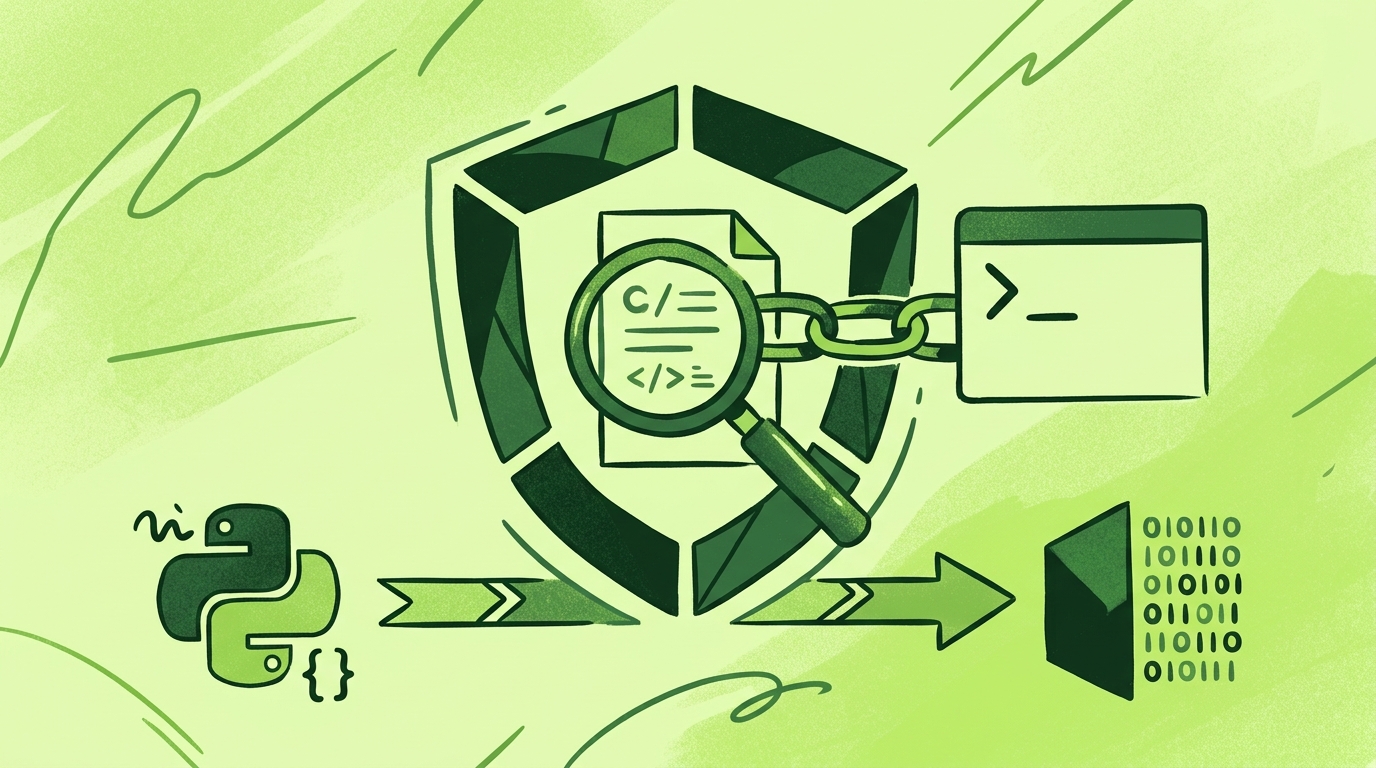
Protect Python Library from Reverse Engineering: Native Compilation
Install your own library into a clean virtual environment and open the folder. Everything is there: your algorithm, your pricing rules, the exact order in which you validate inputs. You ship a Python library, so you ship its source. Anyone who can download your package can read it, and anyone who can read it can fork it.
This article is about the practical fix for that: protecting a Python library from reverse engineering by compiling it to native machine code. Not by rewriting it in C, and not by hand-writing Cython. We’ll cover what native compilation actually changes, where obfuscation falls short, and how to get a compiled, wheel-installable library out of plain Python.
Why Your Python Library Is an Open Book
Python’s biggest strength as a development language is also its biggest weakness as a distribution format. .py files are plain text. They are meant to be read — by you, by your IDE, by anyone who unzips your wheel.
Here’s what a determined reader actually does with your package:
- Decompiles
.pyc. Tools likeuncompyle6,decompyle3, and modern successors turn compiled bytecode back into recognizable Python. The.pycyou shipped inside your wheel is not a secret. - Reads the bytecode directly. Even without a perfect decompiler,
disoutput reveals control flow, constant strings, and branch structure. - Scrapes docstrings and comments. Your docstrings often explain the algorithm better than the code does. (If you strip them, you’ve already noticed the problem.)
- Extracts embedded data. API endpoints, table names, salt strings, and sometimes literal keys live in the module’s constants.
- Patches license checks. If
if is_licensed():is visible, removing it is a two-line edit.
The business risk is concrete. A proprietary algorithm can be lifted. A licensing gate can be removed. A trade secret you spent a year refining becomes a Stack Overflow answer. And the moment your code is in someone else’s hands, you have no way to tell whether they edited it.
What ‘Native Compilation’ Actually Means (and Why It’s Not Just Obfuscation)
Native compilation means translating your Python into machine code — the instructions your CPU executes directly — instead of Python bytecode, which still needs the interpreter to walk through it.
That distinction matters because bytecode is a structured, documented format with symbol names attached. Machine code is not. There’s no interpreter-level map from a function name to its body; there’s a linker-resolved entry point and a stretch of instructions.
The analogy that helps most people: shipping an obfuscated library is like shipping a machine with the labels painted over. All the parts are still there, in the same places, and a patient person with the right tools can identify every one. Shipping a natively compiled library is like shipping a sealed engine block. The behavior is identical, but the internals aren’t laid out for you.
Concretely:
| Obfuscation | Native compilation | |
|---|---|---|
Source .py shipped? |
No | No |
| Python bytecode present? | Yes (renamed/mangled) | No |
| Decompilers work? | Often yes | Not applicable |
| Requires disassembly to inspect | No | Yes |
| Effort to reverse | Hours to days | Deep systems expertise |
Reverse engineering native code is not impossible — more on that in the FAQ — but it requires disassemblers, debuggers, and a strong understanding of calling conventions and compiler output. That is a very different population from “anyone with pip and a search engine.”
How Py2Native Turns Your Library into a Native Binary (Without Cython)
Py2Native is a zero-config Python-to-native compiler. It uses Cython under the hood — but it hides that completely. You never write .pyx or .pxd files, never call cythonize, and never hand-write a C extension. You point it at your Python files and it produces a compiled artifact.
For a library, the build is one command:
uv run py2native build mylib.py *.py --library --wheel dist
What comes out, in dist/:
- A single compiled shared library —
.pydon Windows,.soon Linux,.dylibon macOS — containing all your modules. __init__.py— a meta-path finder that redirectsimport mylib.submoduleto the shared library.__main__.py— enablespython -m mylib.
Both generated files are required. __init__.py bridges Python’s import system to the native library; __main__.py provides the runnable entry point. In library mode, your own __main__.py is excluded from the compiled sources, because the wheel builder generates it.
The result is a standard PEP 427 wheel. Installation looks like any other package:
uv pip install dist/mylib-1.0.0-cp311-cp311-manylinux_2_17_x86_64.whl
python -m mylib
Two things worth calling out:
- You write plain Python. No Cython syntax, no
.pxdfiles, no manual transpilation step. The only file the compiler skips is__init__.py, since it’s a namespace marker rather than compilable code. - Third-party libraries stay as-is. NumPy, requests, pydantic — Py2Native leaves them unmodified as ordinary Python source and they work normally. Only your custom code becomes machine code.
A useful set of flags for library builds:
uv run py2native build mylib.py *.py \
  --library \
  --wheel dist \
  --base src \
  --no-console
--base sets the directory that glob patterns are expanded under. --no-console is there for windowed builds. If you’d rather ship a deployable directory managed by uv instead of a wheel, swap --wheel dist for --embed <dir>.
Under the Hood: The Compilation Pipeline in 30 Seconds
You don’t need this section to use Py2Native, but knowing the shape of the pipeline explains why the output behaves the way it does.
- Glob sources —
build.pyexpands your glob patterns under--base. - Plugin dispatch —
pluginManager.extendBuild(args)runs license and platform checks before anything compiles. - Cython → C —
compiler.pygenerates abootstrap.pyxfrom templates, invokes Cython, and transpiles every.pyxto C. - C → objects — the platform’s distutils compiler builds each
.cfile with the right flags. - Link — a shared object for library mode, an executable for exe mode.
- Wheel (optional) —
whl.pypackages the compiled artifact as a PEP 427 wheel. - Embed (optional) —
embed.pyproduces auv-managed deployment directory.
Platform differences are handled by plugins, not by you. There are three built-in platform plugins (winplatform, linuxplatform, macplatform) plus the Pro plugin, all loaded dynamically by module name and wired in through lifecycle hooks like extendCompiler(), getLinkerArgs(), and auditWheel(). On Linux, that last hook runs auditwheel repair so the wheel is manylinux-compliant.
The open-source core is MIT licensed and does the compilation. The Pro plugin adds JWT license verification and string compression.
Common Misconceptions About Protecting Python Libraries
“Compiling to .pyc is enough.”
It isn’t. .pyc is a serialized form of the same bytecode your interpreter runs, and mature decompilers reconstruct it back into readable Python. If you’ve ever seen a .pyc-only distribution, you’ve also seen how quickly it gets opened.
“I need to write C extensions.” You don’t. That’s the “hard way,” and it means maintaining two languages forever. Py2Native lets you keep writing Python and handles the transpilation and linking for you.
“Native compilation will break my third-party dependencies.” It won’t. Third-party libraries remain Python source and are imported normally. Only your custom modules are compiled. This is the main reason Py2Native needs minimal or no build configuration — there’s no dependency graph to pre-compile.
“This must be complicated to set up.”
The setup is a single uv run py2native build ... invocation. No setup.py extension modules, no pyproject.toml C-extension stanzas, no CI matrix per interpreter.
“It’s a silver bullet.” It’s not. Two honest constraints: you can’t have modules with identical names across source files, and monkey-patching is still possible because third-party libraries remain Python. If LGPL compliance matters to you, note that LGPL libraries stay replaceable by the end user — which is exactly what compliance requires.
Adding License Verification with the Pro Plugin
Compiled code stops people from reading your library. It doesn’t stop them from shipping it to someone who shouldn’t have it. That’s what the Pro plugin covers: signed JWT license verification, baked into the executable and checked at runtime.
First, generate an elliptic-curve keypair:
uv run py2native keygen private.pem public.pem
Then sign a license payload — issuer, audience, expiry, whatever claims your business logic needs:
uv run py2native sign --private private.pem payload.json license.dat
You can inspect or verify a signed license at any time:
uv run py2native show --public public.pem license.dat
Now wire the check into your code. The Pro plugin bakes the verification logic into a generated bootstrap module, _p2n_bootstrap, and exposes the verifier through a small declaration file — the one Cython-flavored file in the entire workflow, and it exists purely to declare the symbol:
# mylib/license_check.pxd
from _p2n_bootstrap cimport _runtime_verify_es256_jwt

cdef _runtime_verify_es256_jwt(token, expected_iss=*, expected_aud=*)
Your module then calls it like a normal function:
# mylib/license_check.py
license = _runtime_verify_es256_jwt(licenseString, expected_iss="RSJ Software GmbH", expected_aud="TimestampGIT")
Finally, build with your Pro license and the public key:
uv run py2native build mylib.py *.py \
  --library --wheel dist \
  --license license.dat \
  --public public.pem
Two properties make this worth the trouble. The ES256 verification runs entirely in compiled code shipped with the product — no third-party crypto library to swap out. And only the public key is stored in the executable. An attacker who extracts it can’t sign anything with it. If you want the deeper version of this topic, see Offline License Verification in Compiled Python Desktop Apps.
FAQ
Does native compilation make reverse engineering impossible? No, it makes it significantly harder. Native machine code can still be disassembled, but it requires advanced skills and tooling, and the original Python source is no longer present. Py2Native removes the source entirely, raising the bar far beyond obfuscation.
Can I still use third-party libraries like NumPy or requests? Yes. Py2Native leaves third-party libraries unmodified as Python source, so they work as-is with minimal or no configuration. Only your custom code is compiled to native machine code.
What platforms and Python versions are supported? Py2Native supports CPython 3.11–3.15 (including free-threaded 3.14t and 3.15t) on Windows 8+, manylinux2014/musl Linux, and macOS, for x86-64 and ARM64 CPUs. You need a platform C compiler (MSVC, GCC, or Clang) and internet access for downloads.
How does Py2Native compare to obfuscation tools? Obfuscation renames and mangles bytecode but leaves it readable by decompilers. Py2Native compiles your Python to native machine code, eliminating the bytecode and source entirely. It’s a fundamentally stronger protection with zero configuration.
What’s the minimum toolchain?
The open-source core depends on cython >= 3.2.4, setuptools >= 82.0.1, and uv >= 0.11.8, plus auditwheel >= 6.6.0 on Linux. If you’re already using uv, you have most of it.
The Short Version
Your Python library is readable today. Obfuscation delays that readability; native compilation removes the readable artifact altogether. Py2Native gives you the second option without asking you to learn Cython, write a C extension, or add build configuration to your project — one uv run py2native build mylib.py *.py --library --wheel dist and you’re shipping a compiled native library in a standard wheel. Add the Pro plugin when you also need signed license checks that live inside the binary.
Ready to stop shipping your source code? Start with the Py2Native documentation and compile your first library today.
Related posts
- Best Python Compiler for Protecting Intellectual Property
- Protect Python Code for Commercial Software Vendors
- Python Obfuscation vs Native Compilation: Which Protects Better?
