
Nuitka vs Cython Compilation: Which Protects Python Source Better?
If you’re weighing Nuitka vs Cython compilation for Python apps, you’ve usually already made the harder decision: you’re shipping proprietary Python, and the .py files cannot go out the door as-is. What’s left is picking the tool that turns your code into native artifacts without turning your build pipeline into a second product you have to maintain.
Both names come up in every thread on the topic, and both can produce compiled output. The difference isn’t really “which compiler is better” — it’s how much of your source survives the trip, how much build configuration you inherit, and whether either tool has anything to say about license enforcement once the binary is on a customer’s machine.
Here’s the lens this comparison uses: ease of adoption, automation in CI, actual protection level, price and licensing, and integration with the third-party libraries your app already depends on.
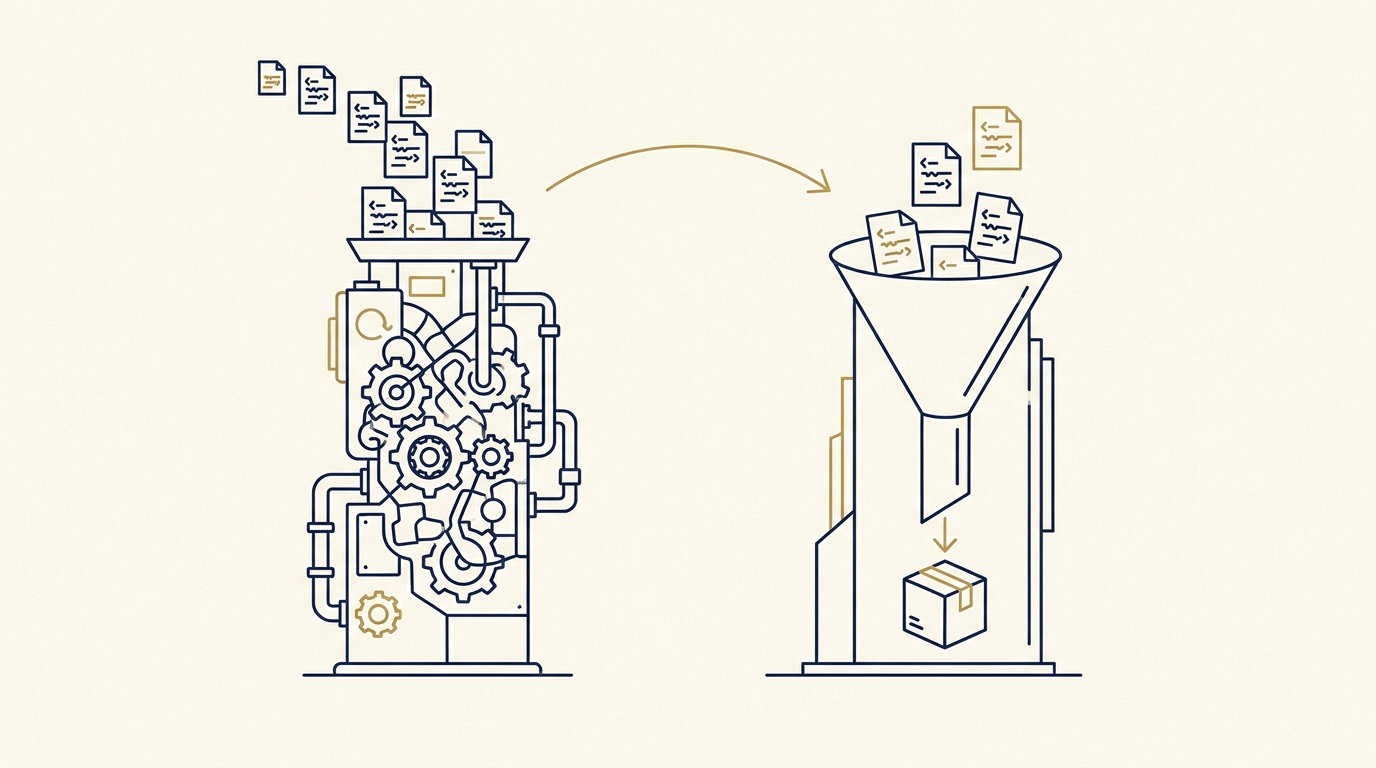
The short version: raw Cython is the hard way, Nuitka is a middle path, and Py2Native is the zero-config managed route where you keep writing plain Python and run uv run py2native build.
The Buying Decision: Nuitka or Cython for Source Protection?
You need to stop source disclosure without rewriting your codebase. That last clause is where most evaluations go wrong: teams compare compiler output quality and forget to count the engineering hours needed to get there — and to keep it working across Windows, Linux, and macOS release builds.
Both tools compile Python into native artifacts, but they diverge sharply:
- Cython gives you a Python-like language that transpiles to C. Real protection means rewriting modules as
.pyx, managing thecythonizestep, and owning the resulting C-extension build. - Nuitka compiles Python to C and then to a binary, which avoids the rewrite — but you still own build configuration, dependency handling, and platform flags.
Neither is a managed product. You own the scripts, the compiler flags, and the day the CI runner’s toolchain changes underneath you.
The Landscape: How Nuitka and Cython Actually Protect Python
Nuitka
Nuitka compiles Python code to C and then to a binary. That’s a genuine advantage over leaving files as .py. The catch is configuration: build flags and dependency tuning are yours to get right, and depending on the options you choose, some modules or data may still ship as Python source. You find out what leaked by inspecting the output — ideally before a customer does.
Cython
Cython transpiles Python-like code to C. Used directly for protection, the workflow looks like this:
- Convert each module you want protected into a
.pyxfile (adjusting code where the semantics differ). - Run
cythonizeas a manual build step. - Compile and link the generated C yourself, per platform, and maintain the C-extension build as your code evolves.
That’s the hard way, and it’s why “just use Cython” advice rarely survives contact with a real codebase. Anything you don’t convert remains readable .py. Partial conversion gives you partial protection — with a permanent maintenance bill attached.
Nothing here is a managed service
In both cases you own the build scripts, the platform-specific compiler and linker invocation, and the dependency handling. That’s where teams lose weeks: not on the compiler itself, but on making it reproducible.
The managed alternative
Py2Native takes plain Python — no .pyx rewrites, no manual cythonize, no hand-written C extensions — and produces a native binary, shared library, or wheel. Yes, it uses Cython under the hood. That part is hidden: you run one command, uv run py2native build, and the tool invokes Cython, compiles, links, repairs wheels on Linux, and can even build a uv-managed deployment directory.
Selection Criteria for a Python Code-Protection Tool
Before the table, agree on what you’re actually scoring.
1. Ease of use. Does the tool accept plain Python, or does it require .pyx/.pxd rewrites and manual Cython steps? Every file you rewrite is a file that can drift from your tested source.
2. Automation and CI. Can you drop one command into a pipeline, or do you maintain per-platform build logic? A protection step that only works on the release engineer’s laptop isn’t a protection step.
3. Security model. What exactly gets compiled, what remains as readable source, and how are license checks enforced? “Compiled” is not a binary property — check the artifacts.
4. Price and licensing. An open-source core plus a commercial add-on is often cheaper than “free” tooling plus three weeks of build engineering per quarter. If you sell licenses, verification built into the binary matters more than the sticker price.
5. Integration. Do third-party Python libraries work as-is, and does the output fit how you deploy — executable, wheel, or an embedded environment?
Side-by-Side: Nuitka vs Cython vs Py2Native
| Dimension | Nuitka | Cython (direct) | Py2Native |
|---|---|---|---|
| Workflow | Build flags and dependency tuning | .pyx conversion, manual cythonize, C-extension build |
uv run py2native build main.py *.py on plain Python |
| What gets compiled | Python → C → binary; some modules or data may remain Python source depending on options | Only what you convert to .pyx |
Your custom modules, into a single native library or executable |
| Source exposure | Reduced, but verify per build | Unconverted .py files stay readable |
Custom modules compiled; third-party libraries stay as Python source by design |
| License enforcement | None built in | None built in | Pro plugin: JWT verification with the public key baked into the executable |
| Deployment outputs | Binary | Shared object / C extension you package yourself | Executable, .pyd/.so/.dylib library, PEP 427 wheel, uv embed directory |
| Platform work | Yours | Yours | Handled by platform plugins; Linux wheels repaired with auditwheel |
| Licensing model | You own the toolchain | You own the toolchain | MIT-licensed core; proprietary Pro plugin |
A few notes on the Py2Native column, because the outputs are flags rather than separate tools:
# native executable (default console app)
uv run py2native build main.py *.py

# shared library + PEP 427 wheel
uv run py2native build main.py *.py --library --wheel dist

# uv-managed deployment directory
uv run py2native build main.py *.py --embed deploy
In library mode the wheel contains a single compiled shared library plus two required files: __init__.py, a meta-path finder that redirects import mypkg.submodule into the shared library, and __main__.py, which makes python -m mypkg work. Keep both — the first bridges Python’s import system to the native code, the second is the entry point.
Verdict: Who Should Pick Which?
Pick Nuitka if you want a general-purpose Python-to-C compiler, are comfortable owning build configuration across platforms, and accept that some modules or data may remain as Python source depending on your options. It’s a reasonable middle path.
Pick Cython directly only if you’re prepared for the hard way: .pyx rewrites, manual cythonize, and ongoing C-extension maintenance. For pure source protection, it’s rarely the right call — you pay in rewrites and get protection only where you converted.
Pick Py2Native if you want plain Python in and a native binary out. No Cython syntax, no manual build steps, and third-party libraries stay unmodified and work as-is with minimal or no configuration. The core is MIT-licensed; the Pro tier (py2nativepro) adds JWT license verification and string compression.
The Pro license flow
This is the part neither Nuitka nor Cython gives you: signed license verification compiled into the binary. You need two things — a .pxd file and a call to the verification logic in your code.
# license_check.pxd — declares the verification entry point for the build
cdef _runtime_verify_es256_jwt(token, expected_iss=*, expected_aud=*)
# license_check.pyx — import the bootstrap hook and call it with your key
from _p2n_bootstrap cimport _runtime_verify_es256_jwt

def check_license(str licenseString):
    license = _runtime_verify_es256_jwt(licenseString, expected_iss="RSJ Software GmbH", expected_aud="TimestampGIT")
    if license is None:
        raise SystemExit("Invalid or missing license")
    return license
The plugin bakes the signature verification code and the public key into the executable for you. Only the public key is stored — and the elliptic key verification runs as compiled code, with no third-party libraries involved. That’s maximum security with maximum flexibility: your app decides where and when to check the license, and the check itself isn’t something a user can trivially patch out by editing a Python file.
Keys and licenses are managed with three Pro commands:
uv run py2native keygen private.pem public.pem
uv run py2native sign --private private.pem payload.json license.dat
uv run py2native show --public public.pem license.dat
Putting It Into Practice with Py2Native
Step 1: Build a native wheel
uv add py2native
uv run py2native build main.py *.py --library --wheel dist
That single command globs your sources, dispatches to the platform plugin, generates the Cython bootstrap, compiles the C, links, and packages the wheel. Requirements are modest: CPython 3.11–3.15 (including free-threaded 3.14t and 3.15t), a platform C compiler (MSVC, GCC, or Clang), x86-64 or ARM64, and internet access for downloading Python distributions and libraries. Use --base <dir> if your sources live below the current directory, and --no-console for GUI apps.
Step 2: Enforce a license
Generate a keypair, sign a payload into license.dat, then build with the license and public key:
uv add py2nativepro
uv run py2native build main.py *.py --library --wheel dist \
  --license license.dat --public public.pem
Ship the .pxd alongside the module it declares so the build can wire in the verification hook. From there, call _runtime_verify_es256_jwt(...) wherever your application gates access — at startup, or on the feature path that matters.
Step 3: Deploy
Publish the wheel or hand off the --embed directory. Two constraints worth knowing up front: no two source files may share a module name, and __init__.py is skipped during compilation since it’s a namespace marker rather than compilable code. Third-party libraries remain Python source — which keeps LGPL compliance straightforward, since those libraries stay replaceable by the end user, and means monkey-patching is still possible. Compile your code; that’s the proprietary part.
For deeper dives, see automating protection in GitHub Actions, compiling without rewriting in C, and verifying signed license keys inside a compiled executable.
FAQ
Does Cython protect all my Python code?
No. Cython only compiles what you convert to .pyx files; any plain .py modules you leave untouched remain readable source. To protect everything, you must rewrite or adapt your code — the hard way. Py2Native instead compiles your plain Python modules directly, so you don’t rewrite in Cython syntax.
Is Nuitka easier than Cython for source protection?
Nuitka avoids .pyx rewrites, but you still own build flags, dependency handling, and platform configuration, and some modules may remain as Python source depending on options. Py2Native is the zero-config managed route: uv run py2native build on plain Python produces a native binary or wheel without manual Cython steps.
Can I add license checks with Nuitka or Cython?
Neither provides built-in signed-license verification; you’d have to implement and embed your own. Py2Native Pro adds JWT license checks: you include the .pxd file and call _runtime_verify_es256_jwt(licenseString, expected_iss="RSJ Software GmbH", expected_aud="TimestampGIT"), and the plugin bakes the signature verification code and public key into the executable.
What makes Py2Native zero-config compared to Nuitka and Cython?
Py2Native accepts plain Python — no .pyx/.pxd rewrites, no manual cythonize, no hand-written C extensions. You run uv run py2native build, and it handles Cython invocation, platform compilers, linking, wheel creation, and uv embedding for you. Third-party Python libraries remain unmodified and work as-is with minimal or no configuration.
The Bottom Line
Cython protects what you rewrite. Nuitka protects most of what you build, provided you get the configuration right and check the output. Py2Native protects your custom modules as plain Python, with one uv command and platform work handled for you — and if you sell licenses, the Pro plugin puts signed verification inside the binary instead of beside it.
Start with a single build:
uv add py2native
uv run py2native build main.py *.py --library --wheel dist
If the wheel imports cleanly and your tests pass, you’ve replaced readable source with a native artifact in one step — no .pyx rewrites, no build-script archaeology. Learn more at py2native.dev.
Related posts
- Automate Python Code Protection in GitHub Actions with uv
- Compile Plain Python to Native Code Without Rewriting in C
- Verify a Signed License Key Inside a Compiled Python Executable
