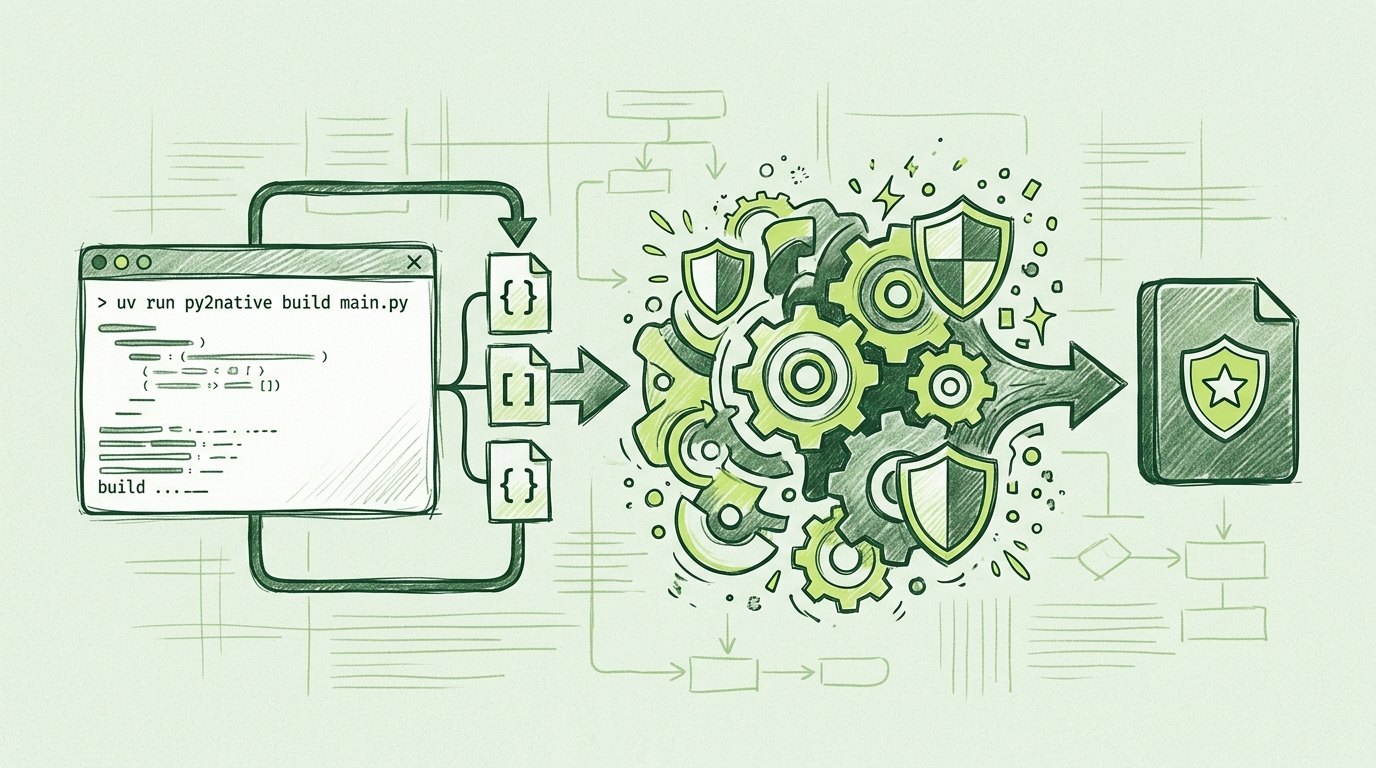
How to Compile Python to Native Code with Py2Native
If you ship Python software, “protect the source” is usually right behind “ship the feature.” The hard way is to hand-write .pyx files, maintain Cython build configuration, compile C extensions, and keep the whole pipeline working across Windows, Linux, and macOS. Py2Native removes that manual work: it uses Cython under the hood, but you keep writing plain Python and start every build with uv run py2native.
In this walkthrough, you’ll take a plain Python project and compile it to native machine code with Py2Native. By the end, you’ll have either a native executable or a compiled shared library—and an optional Py2Native Pro license gate if you want commercial license verification baked into the binary.
Prerequisites
You need:
- CPython 3.11–3.15, including free-threaded 3.14t and 3.15t.
- A platform C compiler and linker:
- MSVC on Windows 8+
- GCC on Linux for manylinux2014/musl targets
- Clang on macOS
- Internet access for the first build, because Py2Native downloads Python distributions and libraries as needed.
uv0.11.8 or newer.- x86-64 or ARM64 hardware.
Optionally, if you need JWT-based license verification, you’ll use the Py2Native Pro package.
Step-by-Step: Compile Your Python Code with Py2Native
Step 1: Install Py2Native through uv
Start with a project that owns the source you want to compile. If you do not have one yet, uv can create it:
uv init shipped-app
cd shipped-app
uv add --dev py2native
That adds Py2Native as a development dependency. Every build command in this guide starts with uv run py2native, so local builds and CI use the same command.
Step 2: Organize the Python sources
Keep the entry point and the modules you want to compile in the project. For this example, use a small pricing app:
shipped-app/
├── main.py
├── pricing.py
└── analytics.py
main.py is the executable entry point:
# main.py
from pricing import calculate_price

print(calculate_price(100, 0.2))
The other modules are ordinary Python:
# pricing.py
def calculate_price(base, tax_rate):
    return base * (1 + tax_rate)
Py2Native compiles these files as native code. You do not need to rename them, add .pyx files, or write Cython syntax.
Step 3: Run the build
Build the executable by passing the main module and any additional source files:
uv run py2native build main.py pricing.py analytics.py
You can also use glob patterns when the order is clear, for example:
uv run py2native build main.py *.py
Py2Native expands the sources under the current base directory, generates the Cython bootstrap, compiles the C sources, and links the final executable. If you need a Windows GUI app that does not open a console window, add --no-console:
uv run py2native build main.py pricing.py analytics.py --no-console
Step 4: Choose the output shape
The default build creates an executable. Three optional flags change what you ship:
# Shared library instead of an executable
uv run py2native build main.py pricing.py analytics.py --library

# A uv-managed deployment directory
uv run py2native build main.py pricing.py analytics.py --embed deployment

# A PEP 427 wheel containing the compiled shared library
uv run py2native build main.py pricing.py analytics.py --library --wheel wheels
--librarycreates a.pyd,.so, or.dylibdepending on the platform.--embed <dir>creates a uv-managed deployment directory.--wheel <dir>builds a wheel you can distribute through normal Python package channels.
For most source-protection use cases, the executable or the library wheel is the most direct choice.
Step 5: Understand library mode
Library mode is useful when you want to ship a compiled package that other Python code can import. The generated wheel contains:
- A single compiled shared library with all of your modules.
__init__.py, which installs a meta-path finder that redirects imports to the shared library.__main__.py, which makes the package runnable withpython -m mypkg.
Both generated files are required. __init__.py bridges Python’s import system to the native code; __main__.py provides the runnable entry point. You do not need to write those files by hand.
Step 6: Add Pro license verification
If you sell the compiled binary or ship it to customers, Py2Native Pro can enforce a signed JWT license. The Pro plugin bakes the signature verification code and the public key into the executable. Only the public key is stored in the binary; the private key never ships.
First, generate an EC P-256 keypair:
uv run py2native keygen private.pem public.pem
Next, sign a license payload with the private key. The iss and aud claims must match what your code expects:
uv run py2native sign \
  --private private.pem \
  '{"sub":"customer-123","iss":"RSJ Software GmbH","aud":"TimestampGIT"}' \
  license.dat
Inspect a license with show:
uv run py2native show --public public.pem license.dat
To enforce the license inside the compiled application, add a small declaration file and a license gate module. This is the only Cython-flavored file in a Pro-enabled project; Py2Native uses it to expose the verifier that the Pro plugin compiles into the executable.
# _p2n_bootstrap.pxd
cdef _runtime_verify_es256_jwt(token, expected_iss=*, expected_aud=*)
# license_gate.pyx
from _p2n_bootstrap cimport _runtime_verify_es256_jwt

def enforce_license(licenseString):
    license = _runtime_verify_es256_jwt(
        licenseString,
        expected_iss="RSJ Software GmbH",
        expected_aud="TimestampGIT",
    )
    if not license:
        raise RuntimeError("License invalid or expired")
    return license
Then call the gate from your main module before running protected logic:
# main.py
from license_gate import enforce_license

with open("license.dat", "r", encoding="utf-8") as f:
    enforce_license(f.read().strip())

from pricing import calculate_price

print(calculate_price(100, 0.2))
Build with the license file and public key so the Pro plugin can bake verification into the output:
uv run py2native build main.py pricing.py analytics.py \
  --license license.dat \
  --public public.pem
The elliptic key verification is handled by compiled code in Py2Native Pro, so the runtime check does not depend on third-party crypto libraries.
Step 7: Test the compiled artifact
Run the resulting executable or import the compiled library. If you built with --embed, run the embedded environment from the deployment directory. If you built a wheel, install it into a clean uv-managed environment and try both:
python -m mypkg
The output should match the original Python behavior.
Verifying the Compilation Worked
Run the executable or import the library and compare it with the original Python command. For the pricing example, both should print the same result.
For a library wheel, list the wheel contents and confirm that your original .py source files are not present. You should see the compiled native artifact plus the generated __init__.py and __main__.py bridge files.
When Pro license verification is enabled, test both paths:
# Should succeed with the signed license
./your-built-executable license.dat

# Should fail with a missing or invalid license
./your-built-executable
You can inspect the license claims with:
uv run py2native show --public public.pem license.dat
If show validates the signature and prints the expected iss, aud, and sub claims, the license file is correctly signed.
Troubleshooting Common Issues
Missing C compiler
If the build fails while looking for cl.exe, gcc, or clang, install the platform toolchain and make sure it is on PATH. On Windows, use the Developer Command Prompt for Visual Studio so MSVC environment variables are set correctly.
Module name conflicts
Py2Native does not support two source files with identical module names. For example, avoid having mypkg/utils.py and otherpkg/utils.py in the same build when the module name would collide. Rename one module before building.
Dynamic imports and monkey-patching
Third-party libraries remain Python source, so libraries that monkey-patch their dependencies can still work. However, your own compiled modules may not be monkey-patchable in the same way. If a dependency patches one of your classes at runtime, move that patch into Python code before the native boundary.
LGPL libraries
Py2Native leaves third-party libraries as Python source. For LGPL libraries, that means the end user can still replace the library version, which is good for compliance. Keep that in mind when deciding which parts of the project to compile.
License verification errors
If the compiled binary rejects a valid-looking license, confirm that:
- The license was signed with the same private key whose public key was passed to
--public. - The
issclaim isRSJ Software GmbHand theaudclaim isTimestampGIT. - The license file is passed in the exact format expected by your gate code.
- You are not shipping the private key with the application.
FAQ
What is the difference between Py2Native and PyInstaller?
PyInstaller bundles Python bytecode and the interpreter into an executable, but the bytecode can be decompiled. Py2Native compiles your Python code to native machine code via Cython under the hood, making it much harder to reverse-engineer. Py2Native also leaves third-party libraries as-is, reducing build complexity.
Can I compile Python to native code without learning Cython?
Yes. Py2Native uses Cython internally but hides all the complexity. You write plain Python, and Py2Native handles the .pyx generation, C compilation, and linking automatically. No manual Cython syntax or build steps are required for your application code.
Does Py2Native work with all Python libraries?
Py2Native compiles your own Python code to native code. Third-party libraries are left as Python source and work as-is, so most libraries should function normally. However, some libraries that rely heavily on dynamic features or monkey-patching may have limitations.
How do I add license verification to my compiled binary?
With Py2Native Pro, you can generate an EC P-256 keypair, sign a JWT license, and embed verification in your code. The public key and verification logic are baked into the executable. In your code, you call _runtime_verify_es256_jwt from _p2n_bootstrap with the license string and expected issuer/audience.
Conclusion: Protect Your Python Code with Zero-Config Native Compilation
Py2Native turns the expensive, brittle parts of Python native compilation into one command. Your workflow stays plain Python in, native binary out. No hand-written Cython files, no manual cythonize step, and no C extension build matrix to maintain.
Start with the open-source py2native package for executable, library, wheel, and embedded builds. When you need to sell or license the binary, Py2Native Pro adds signed JWT verification with the public key and verifier compiled directly into the executable.
Ready to go deeper? These guides cover distribution and CI/CD next.
Related posts
- Automate Python Binary Distribution with Py2Native
- Py2Native vs PyInstaller: Which Python to EXE Compiler Protects Your Code?
- How to Hide Python Code from Users: A Practical Guide
