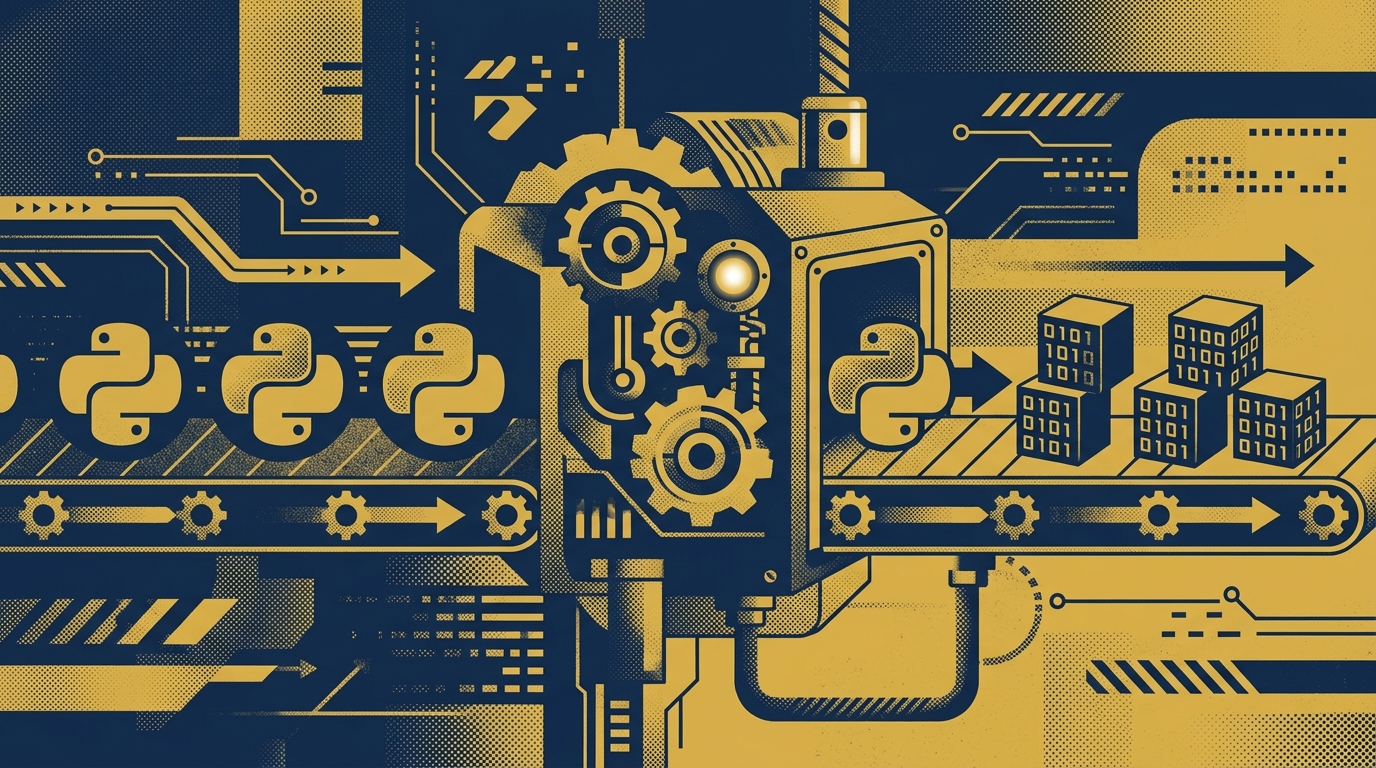
Automating Python to Native Compilation in CI/CD
If you are still running uv run py2native build main.py *.py by hand before every release, the process probably looks familiar: update the source, run the build locally, wait for Cython and the C compiler, copy the wheel or executable to the right place, and then repeat on a different machine because a teammate needs a Windows build. It works, but it does not scale.
Py2Native turns plain Python into native machine code without manual Cython steps or hand-written C extensions. The command is already small. The missing piece is making it run automatically, consistently, and on every target platform you ship.
This article focuses on the automation angle: how to put Py2Native into a CI/CD pipeline so that every push or tag produces protected native artifacts without a human sitting at a laptop. If you are new to Py2Native, start with the Py2Native tutorial for the core concepts.
One-Time Setup: Preparing Your Project for Automated Compilation
Py2Native fits into a normal Python project. Start with a project that has a main module and one or more source files. A minimal layout looks like this:
myapp/
├── pyproject.toml
├── uv.lock
├── main.py
└── src/
    ├── core.py
    ├── models.py
    └── utils.py
Install Py2Native with uv in the project:
uv init myapp
cd myapp
uv add py2native
From that point, the compiler is available through uv run py2native. You do not need to write .pyx or .pxd files, and you do not need to manage Cython yourself. Py2Native expands source globs, generates the Cython bootstrap, compiles the generated C, and links the result for the current platform.
The build command accepts plain Python files and glob patterns. For example:
uv run py2native build main.py src/*.py --wheel dist/
You can also build a shared library for package-style imports:
uv run py2native build src/*.py --library --wheel dist/
Or produce a self-contained deployment directory with uv-managed dependencies:
uv run py2native build main.py src/*.py --embed deploy/myapp
The CI runner needs three things before any of this works:
- CPython 3.11–3.15, including free-threaded 3.14t and 3.15t
- A platform C compiler: MSVC on Windows, GCC on Linux, or Clang on macOS
- Internet access for downloading Python distributions and libraries
Because Py2Native compiles for the platform it runs on, each target OS needs its own runner. The build itself does not require a large configuration file; the compiler flags and output type are passed directly on the command line. In CI, those flags live in the workflow, which keeps the project itself simple.
Building the Automated Pipeline: CI/CD Workflow Examples
A GitHub Actions workflow is the fastest way to turn a tag or push into native artifacts. The example below checks out the source, installs uv, syncs locked dependencies, builds a wheel, and uploads the result.
name: Build native artifacts

on:
  push:
    tags: ["v*"]
  workflow_dispatch:

jobs:
  build:
    runs-on: ubuntu-latest
    steps:
      - uses: actions/checkout@v4

      - name: Install uv
        uses: astral-sh/setup-uv@v5
        with:
          version: "0.11.8"

      - name: Set up Python
        uses: actions/setup-python@v5
        with:
          python-version: "3.12"

      - name: Sync dependencies
        run: uv sync --locked

      - name: Compile to native wheel
        run: uv run py2native build main.py src/*.py --wheel dist/

      - name: Upload artifacts
        uses: actions/upload-artifact@v4
        with:
          name: native-wheel
          path: dist/
GitLab CI follows the same pattern with stages for build, smoke testing, and artifact upload:
stages:
  - build
  - smoke
  - upload

build:
  stage: build
  image: python:3.12
  before_script:
    - apt-get update && apt-get install -y build-essential
    - curl -LsSf https://astral.sh/uv/install.sh | sh
    - uv sync --locked
  script:
    - uv run py2native build main.py src/*.py --wheel dist/
  artifacts:
    paths:
      - dist/

smoke:
  stage: smoke
  image: python:3.12
  script:
    - uv run py2native build main.py src/*.py --embed build/smoke
    - DEPLOY_BIN=$(find build/smoke -maxdepth 1 -type f -executable | head -1)
    - "$DEPLOY_BIN" --version

upload:
  stage: upload
  script:
    - echo "Upload dist/ to your package registry or release page"
Caching makes a large difference on repeated runs. uv stores downloaded packages in ~/.cache/uv, and Cython plus setuptools are resolved from the project lockfile. In GitLab, cache that path:
cache:
  paths:
    - ~/.cache/uv
For GitHub Actions, use the actions/cache step around the same directory. The exact cache key can be based on uv.lock.
The --embed option is especially useful in automation because it creates a deployment directory managed by uv. You can upload that directory directly as a build artifact, ship it to a container image, or attach it to a release.
uv run py2native build main.py src/*.py --embed deploy/myapp
Pro license verification in the pipeline
Py2Native Pro adds JWT license verification through the py2nativepro plugin. The open-source compiler handles all Python-to-native work; Pro enforces a valid signed license at build time and embeds the verification logic into the compiled output.
In a Pro build, you generate an EC P-256 keypair, sign a JWT payload, and pass both the license file and public key to the build:
uv run py2native keygen private.pem public.pem
uv run py2native sign --private private.pem '{"sub":"customer-123","exp":1893456000}' license.dat
uv run py2native build main.py src/*.py --wheel dist/ \
  --license license.dat \
  --public public.pem
The plugin bakes the signature verification code and public key into the executable. Only the public key is stored in the binary; the private key never ships. The elliptic key verification runs inside Py2Native’s compiled code, so there is no third-party verification library to patch or replace.
Inside your application, the Pro plugin exposes a generated .pxd bridge so you can call the verification logic from plain Python with the license key before running protected code:
# The Pro plugin generates this bridge at compile time.
from generated_pro_license import check_license

if not check_license(license_key):
    raise SystemExit("Invalid or expired license")
The exact module name comes from the Pro plugin in your build. In CI, store the private signing key as a secret and keep the public key available for the build command. Never print the private key or commit it to the repository.
Monitoring and Failure Handling in the Compilation Pipeline
Automated builds fail for predictable reasons. The most common are a missing C compiler, an unsupported Python version, duplicate module names across source files, or a source error that only appears when Cython translates the code.
Py2Native exits non-zero when compilation or linking fails. Capture the full log so the terminal output survives CI runner cleanup:
uv run py2native build main.py src/*.py --wheel dist/ 2>&1 | tee build.log
In GitHub Actions, failed jobs are already visible in the pull request status. For team visibility, add a notification step that only runs on failure:
- name: Notify on failure
  if: failure()
  run: echo "Py2Native build failed. Check the uploaded log."
Many teams wire that step to Slack or another chat tool using a webhook secret. Keep the message short: branch, commit, and the first error line from build.log.
A smoke test should run after every build. Compiling and linking successfully does not guarantee that the binary starts correctly on the target OS. Run the generated executable or import the generated package with a trivial input:
uv run py2native build main.py src/*.py --embed build/smoke
./build/smoke/main --help
If the smoke test fails, treat the artifact as unusable even if the compile step returned zero. This catches missing runtime libraries, incorrect package layout, and platform-specific linking issues before the artifact reaches users.
Best Practices for Automated Python-to-Native Compilation
The more reproducible the CI environment, the fewer surprises you will have at release time.
- Pin the Python version in CI and use
uv.lockto keep Cython, setuptools, and uv versions deterministic. - Use containerized or matrix runners for each OS instead of building everything on one developer machine.
- Separate build and release stages. CI compiles and tests; a separate job uploads artifacts to a package registry, GitHub release, or internal storage.
- Build with matrix jobs for the platforms you actually ship. Py2Native compiles for the platform it runs on, so include Windows, Linux, and macOS runners as needed. For architecture coverage, add x86-64 and ARM64 runners.
- Keep the Pro private signing key in CI secrets. Only the public key goes into the build command, and only the public key is embedded in the binary.
- Avoid duplicate module names across source files. Glob patterns make it easy to include the same name twice, and the compiler will reject that ambiguity.
- Update Py2Native and its dependencies on a schedule. The open-source core depends on Cython, setuptools, uv, and auditwheel on Linux, and newer releases include bug fixes and platform improvements.
FAQ
Q: Can I automate Py2Native compilation without a CI/CD platform?
A: Yes, you can use a simple shell script or a task runner like Make to automate the build commands locally. However, CI/CD platforms provide better reproducibility, logging, and artifact management.
Q: Does Py2Native support cross-compilation in CI/CD?
A: Py2Native compiles for the platform it runs on. To target multiple platforms, use CI/CD matrix builds with runners for each OS (Windows, Linux, macOS) and architecture (x86-64, ARM64).
Q: How do I handle license verification in an automated build?
A: Use the Pro plugin: generate a keypair with uv run py2native keygen, sign a JWT payload with uv run py2native sign, and pass the license file and public key to the build command using --license and --public. Store the private key securely in CI secrets.
Q: What are the system requirements for running Py2Native in CI?
A: You need CPython 3.11–3.15, a C compiler (MSVC on Windows, GCC on Linux, Clang on macOS), and internet access to download Python distributions and libraries. Ensure your CI runner has these installed.
Conclusion: Streamline Your Python Code Protection
Automating Py2Native removes the manual bottleneck from native compilation. The compiler already hides Cython, C compilation, and linking behind a single uv run py2native build command. Putting that command into CI gives you repeatable builds, platform-specific artifacts, and a clear record of every release.
If you need license enforcement on top of native compilation, the Pro plugin adds JWT verification, license key management commands, and string compression as an additional layer of protection. The compiled verifier bakes the public key into the binary and runs without third-party verification libraries.
Start with the workflow above, run one build, and iterate from there. For more on the core compiler, the protection landscape, and license verification, see the related posts below.
Related posts
- Py2Native Tutorial: Compile Your First Python Binary in Minutes
- Python Code Protection Tools Compared: Which One Is Right for You?
- How to Verify JWT License Keys in Python Applications
- Python to Native Compiler: Protect Your Code Effortlessly
